E-Commerce
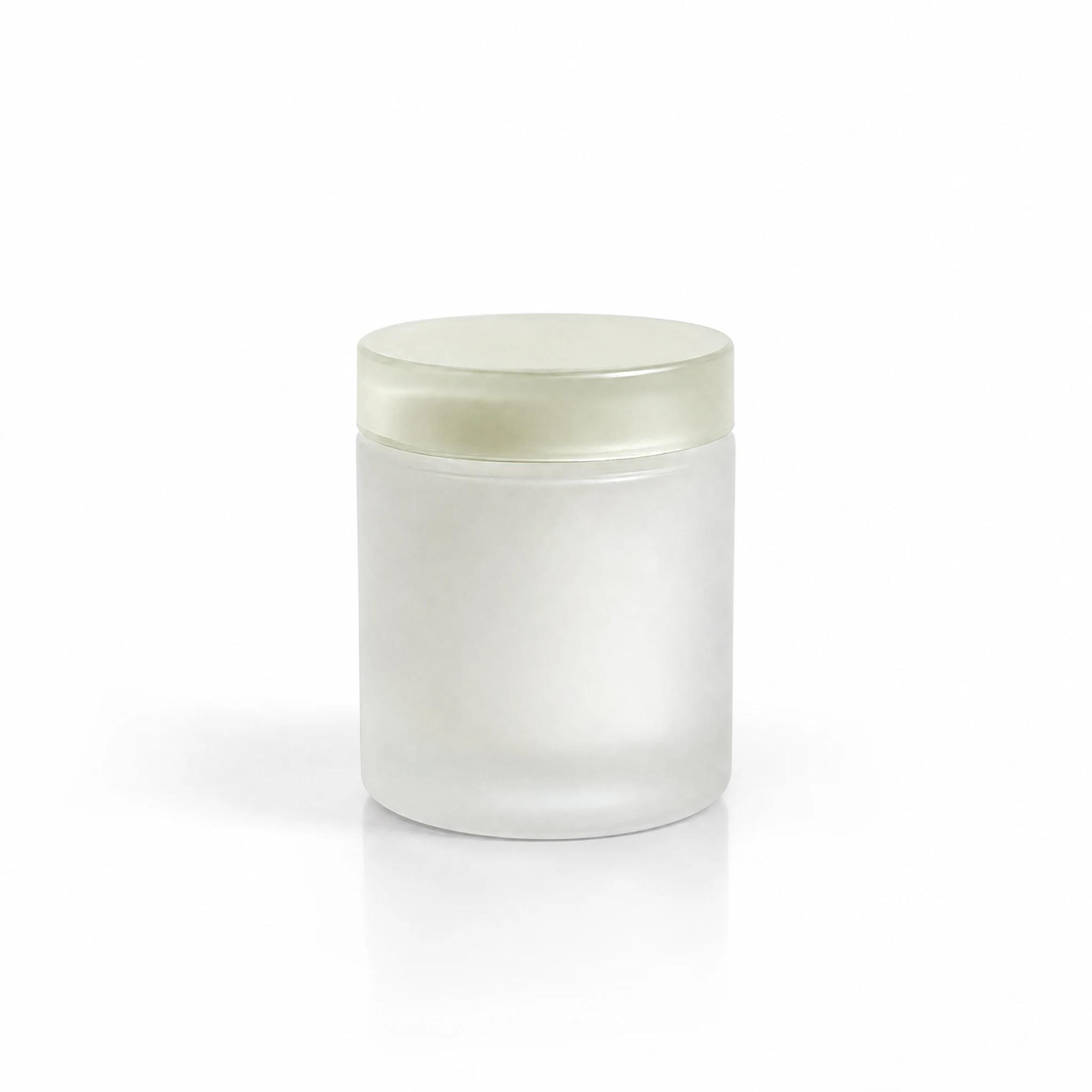
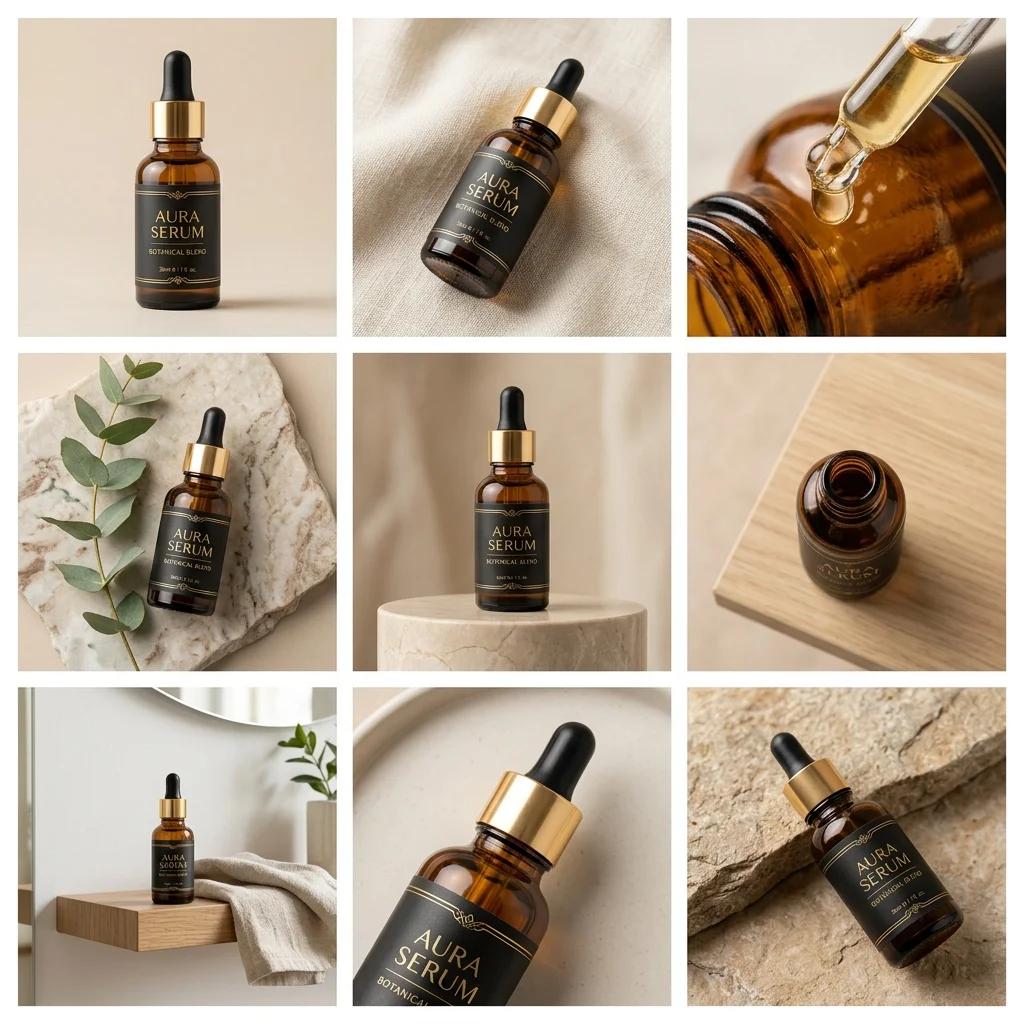
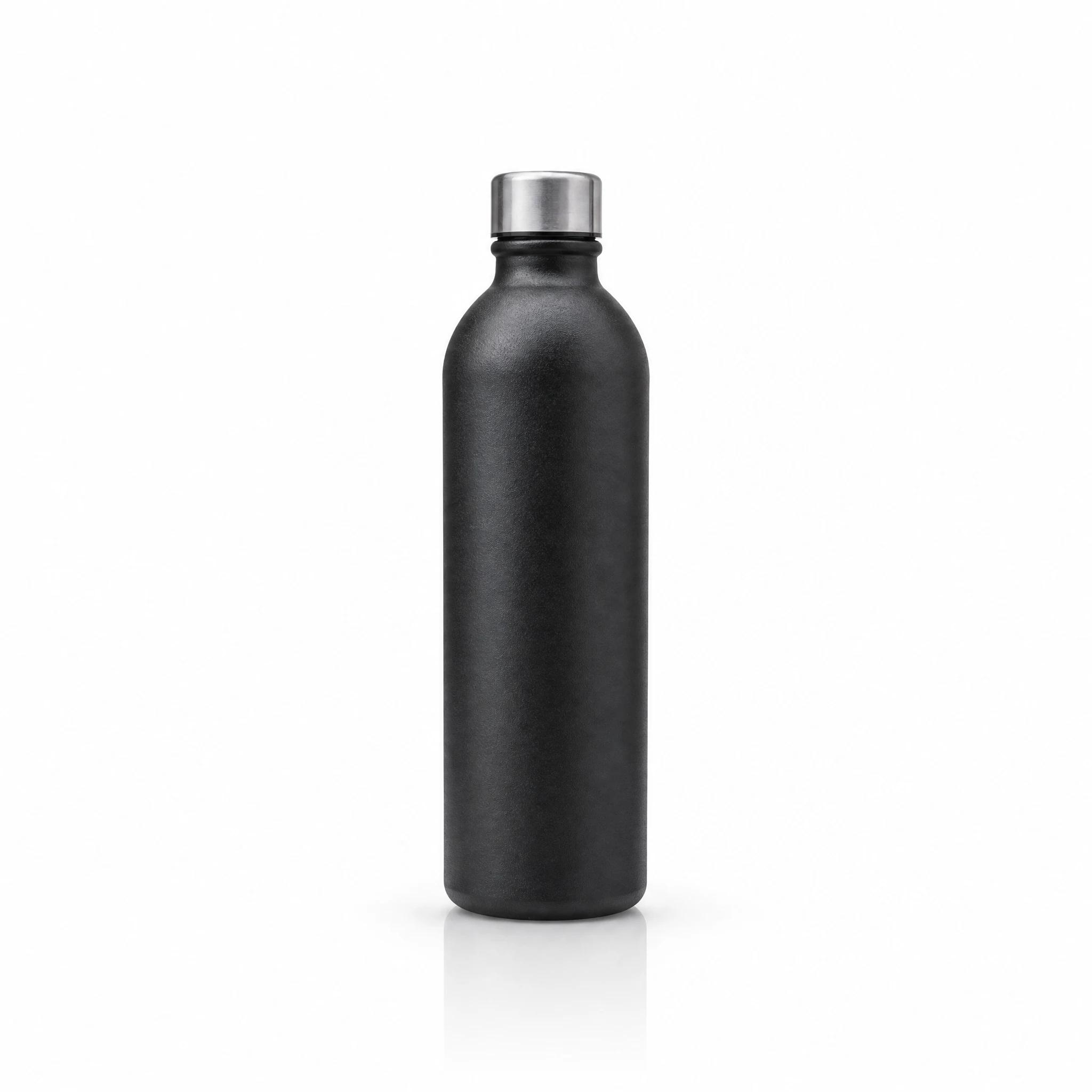
Marketplace images and promo videos from a single product photo.We turn one photo taken on your phone into a marketplace-compliant main image, a professional scene shot and a promo video. No studio, no photographer, no shoot day. Trendyol and Hepsiburada sizes come ready.
Quick Summary
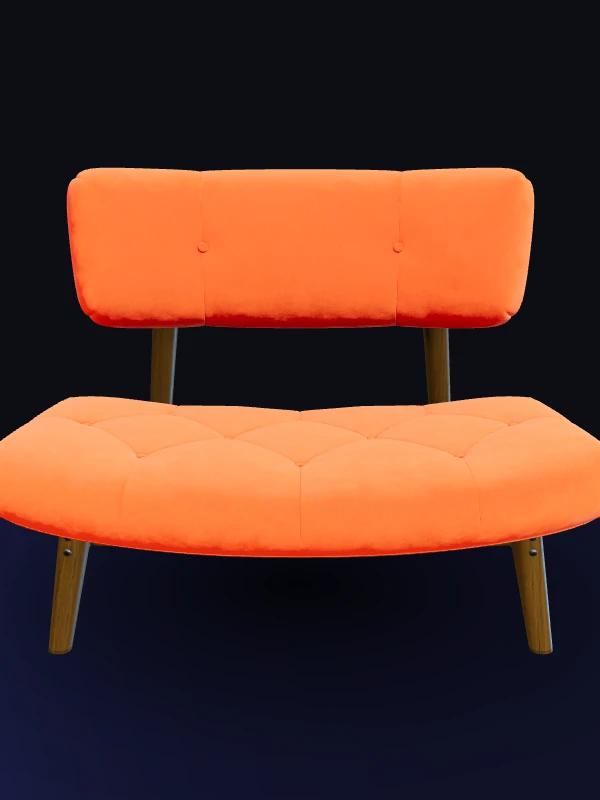
Tasarla E-Commerce Studio turns a single phone photo into white-background marketplace listings, lifestyle studio scenes, 9:16 vertical unboxing or promo videos and AR-ready GLB 3D models across 13 product categories. Every asset downloads watermark-free.
AI product photos and videos for e-commerce
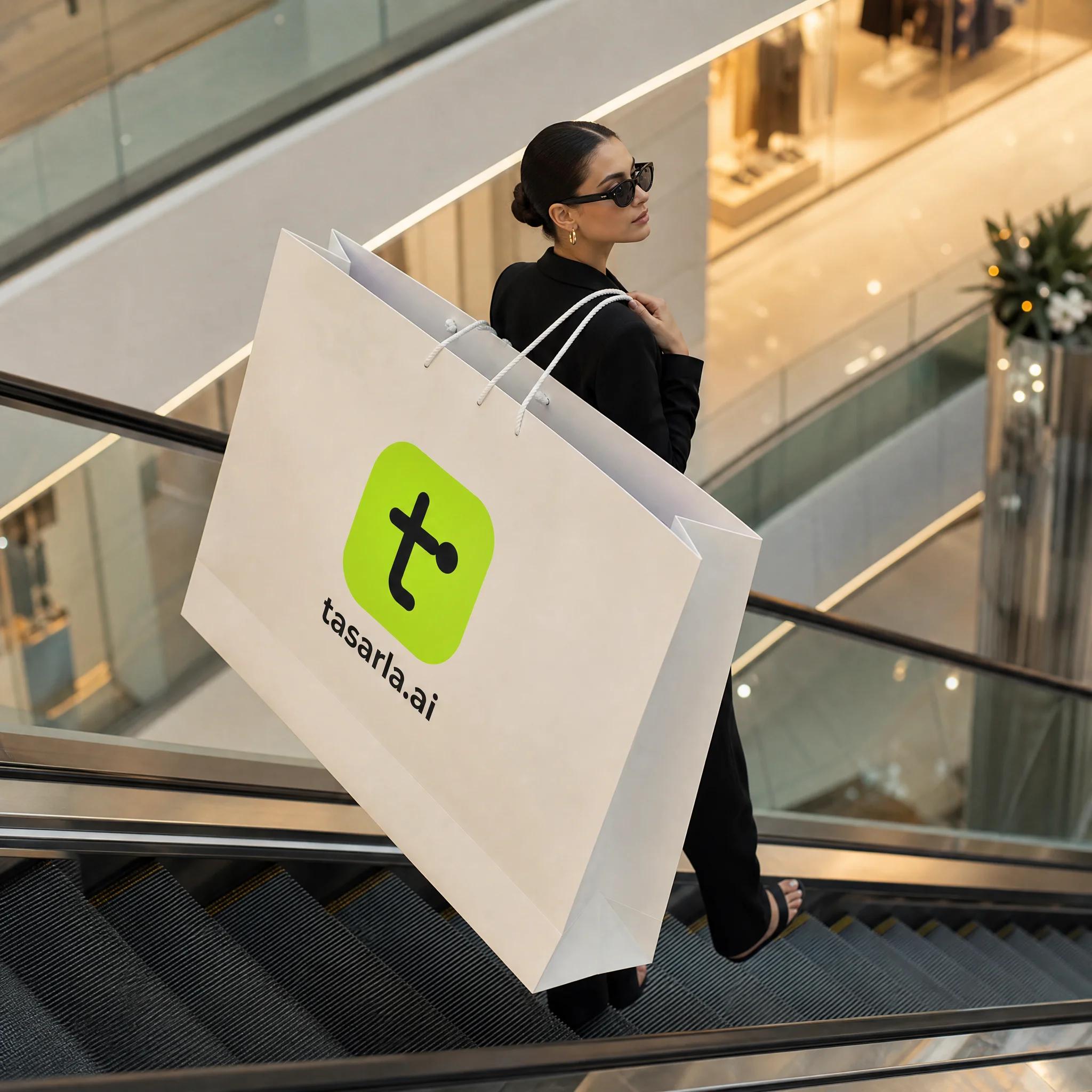
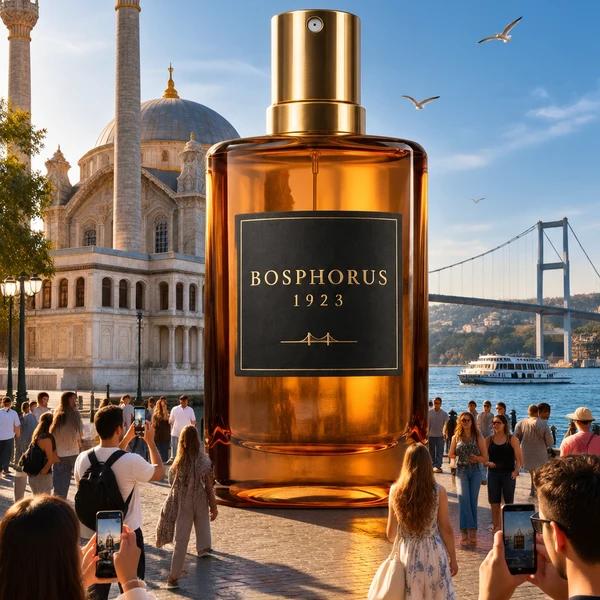
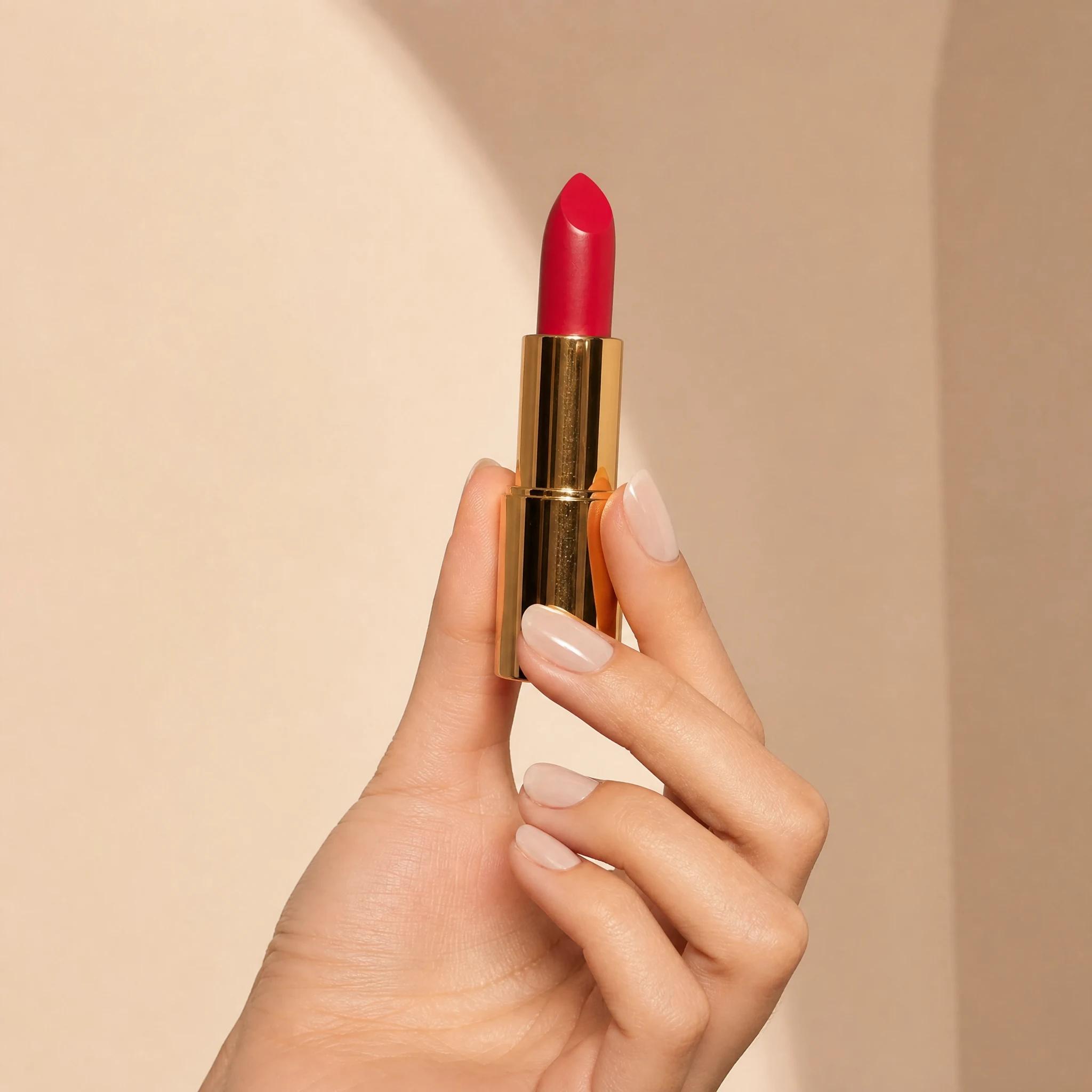
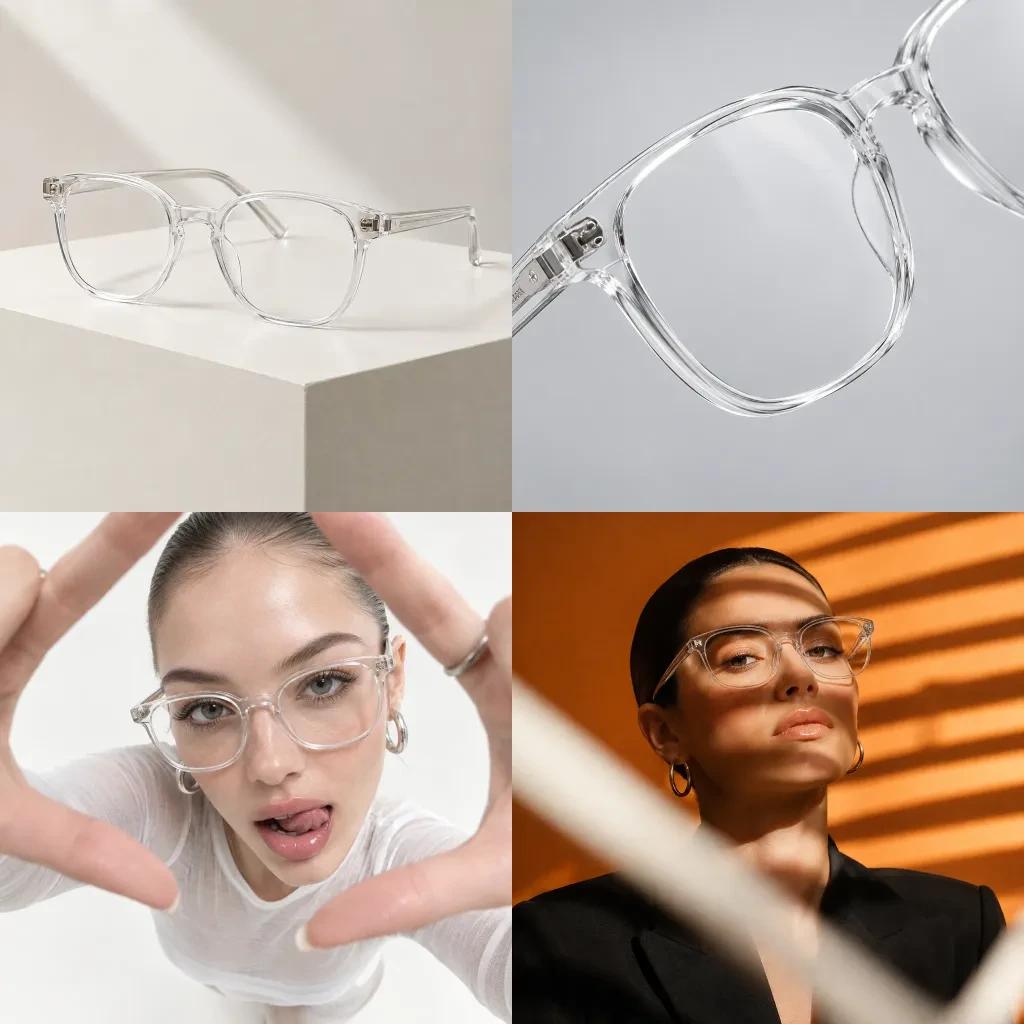
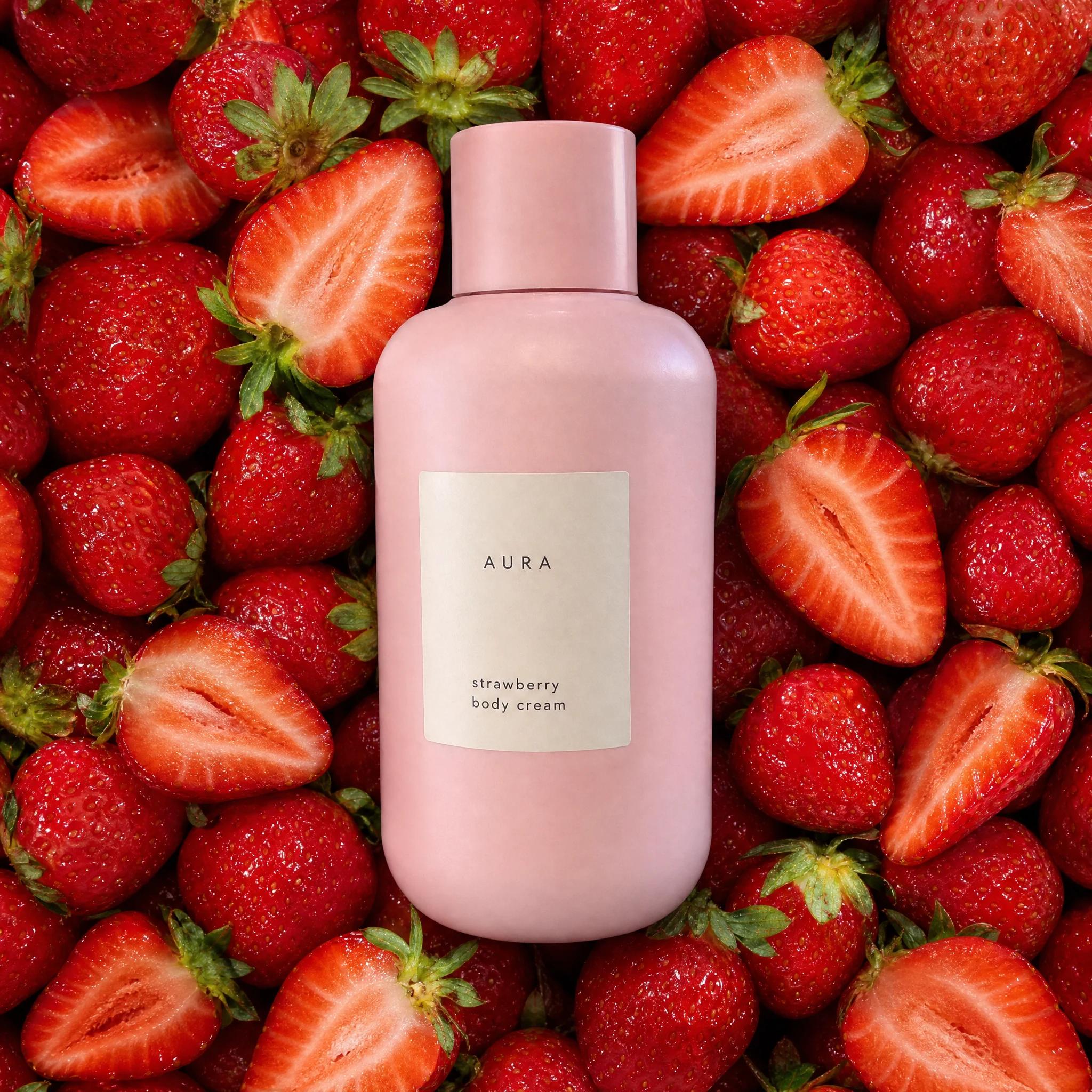
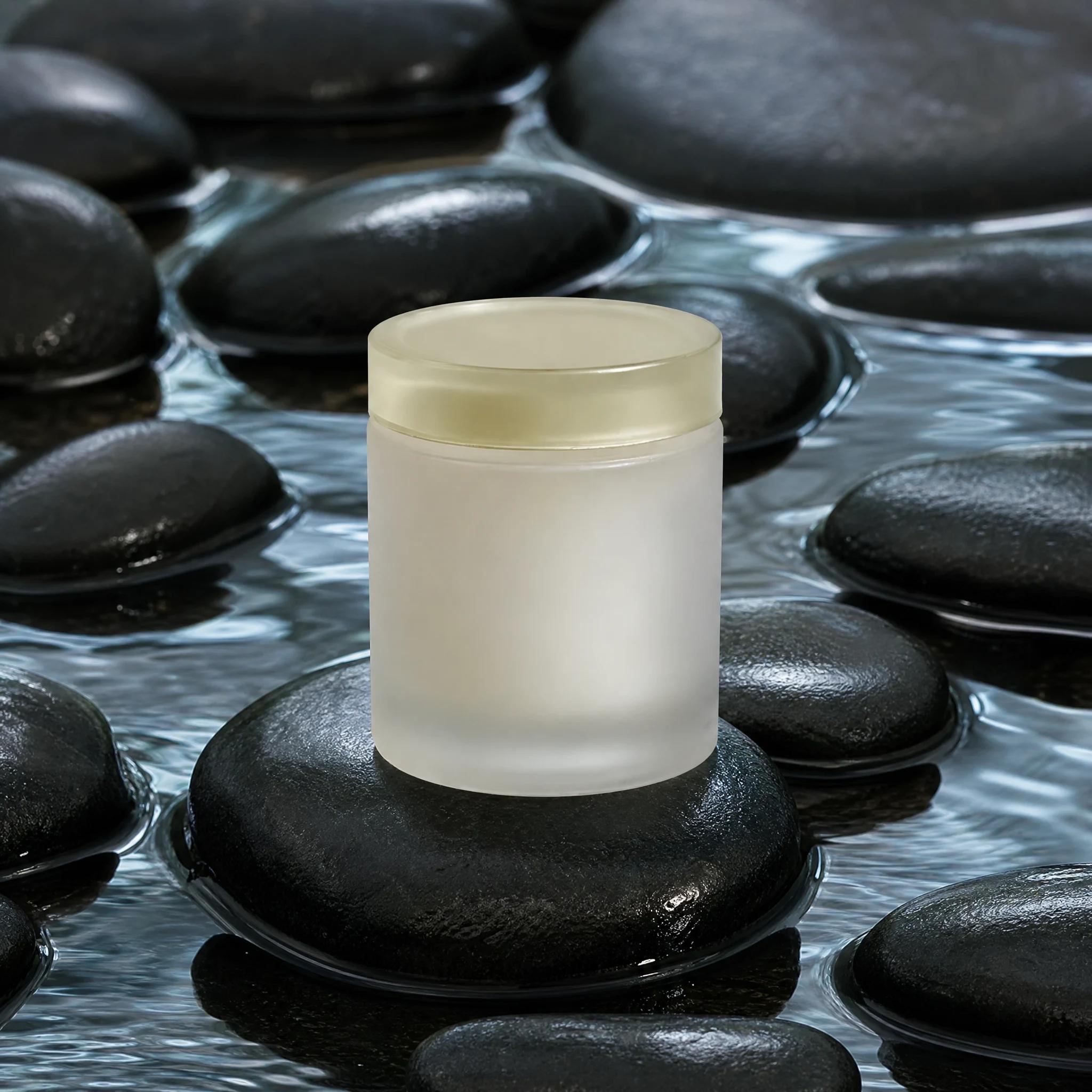
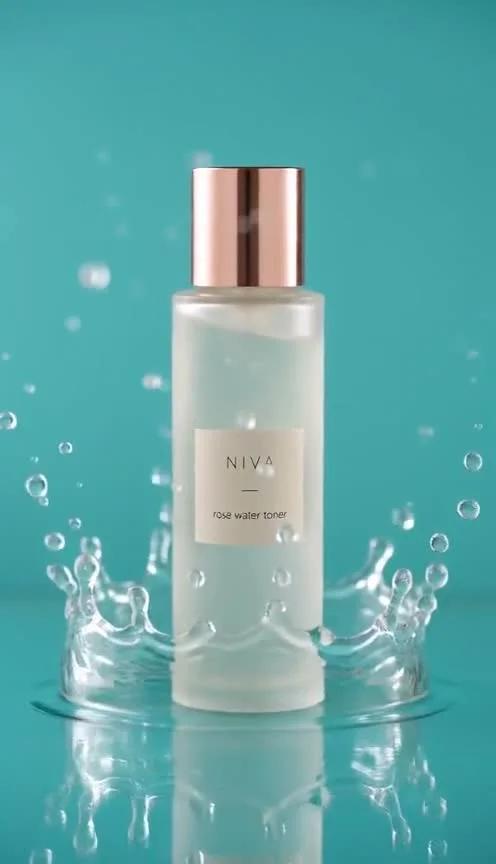
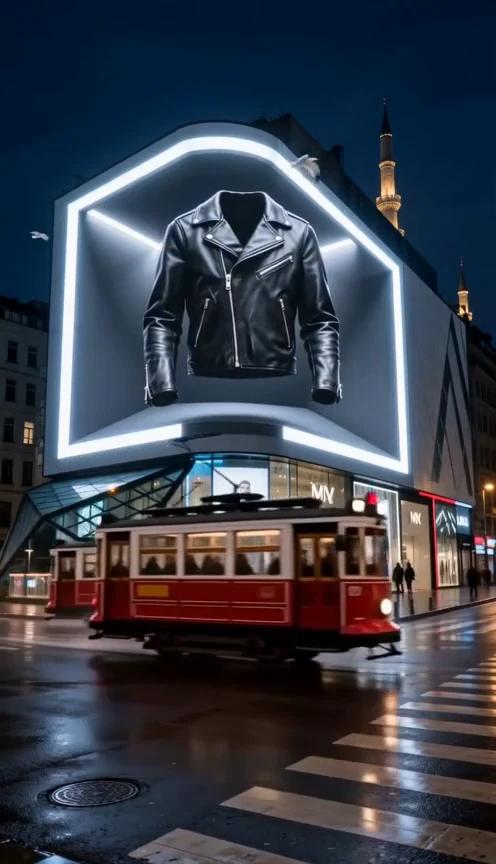
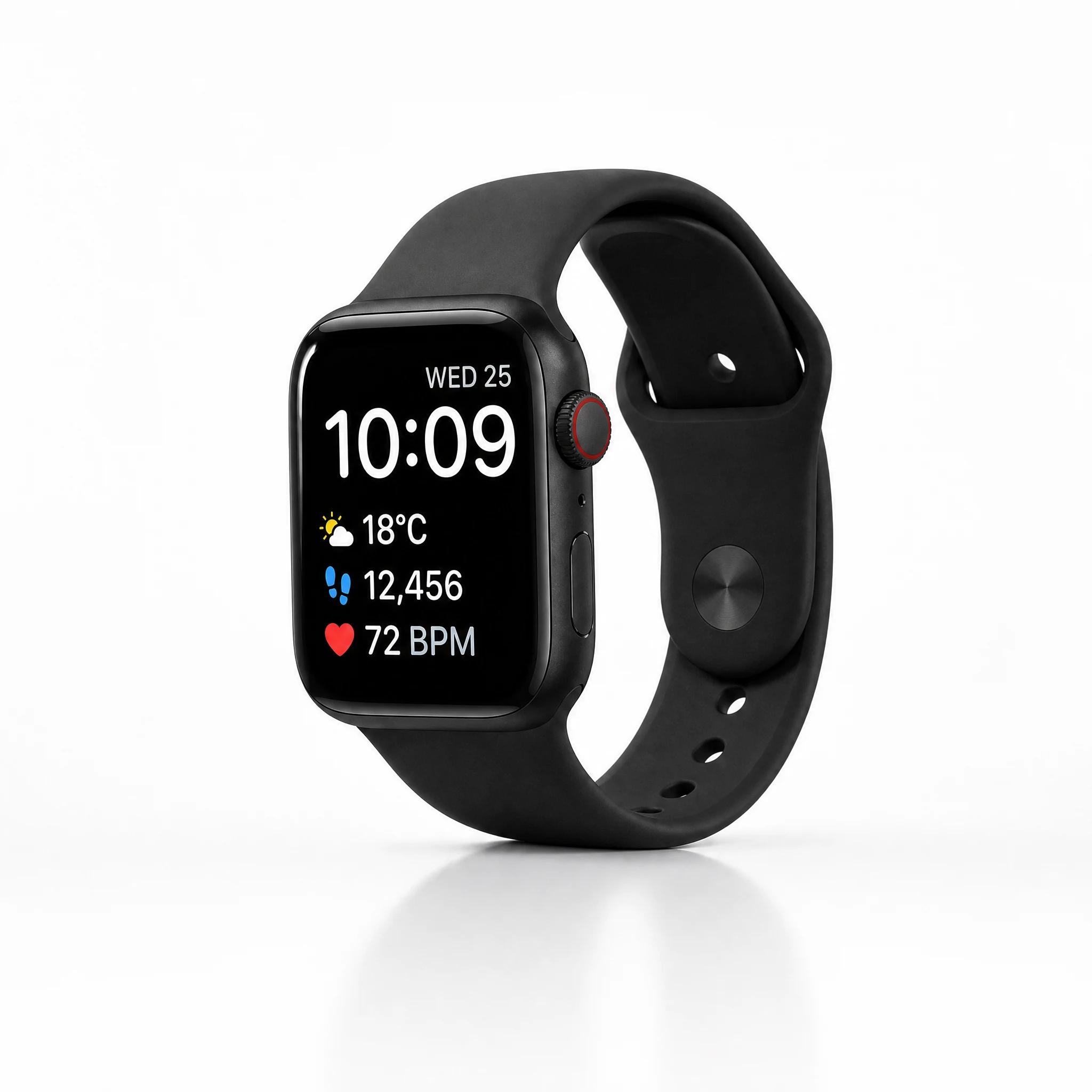
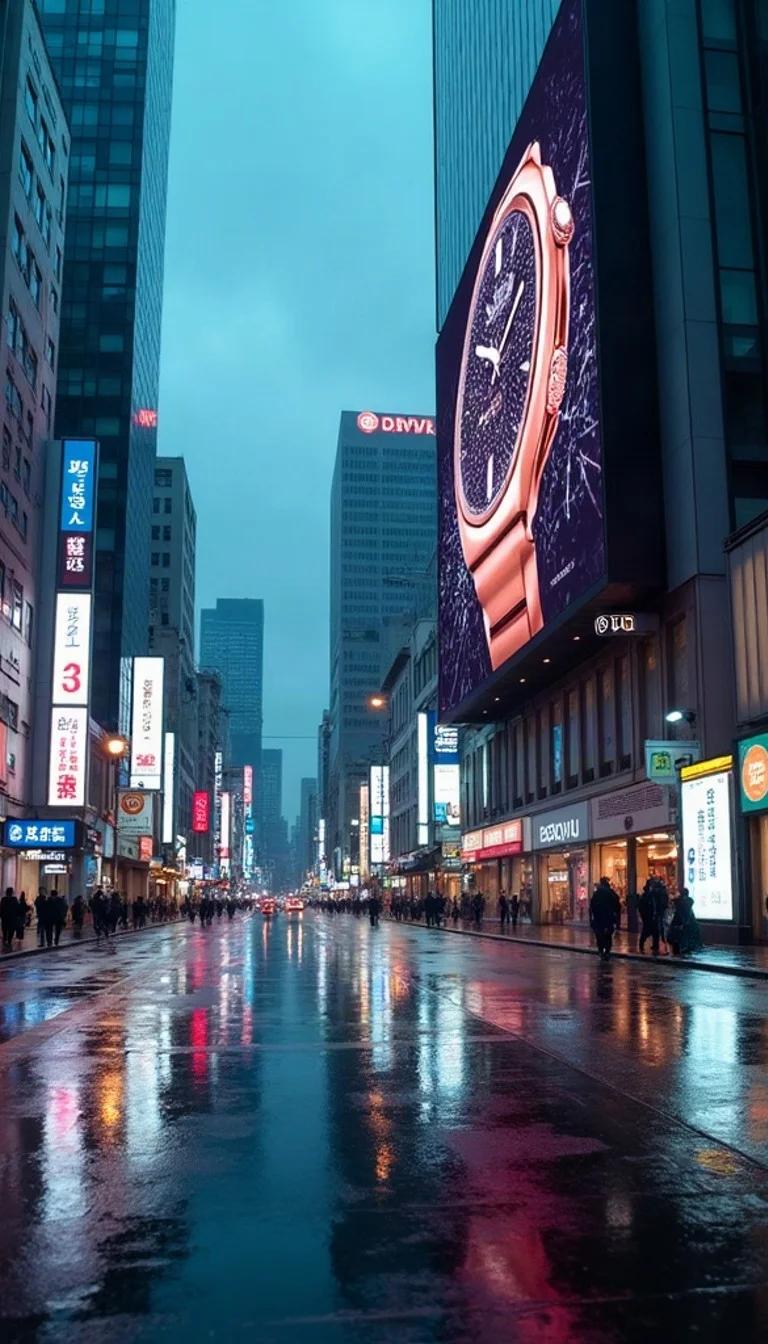
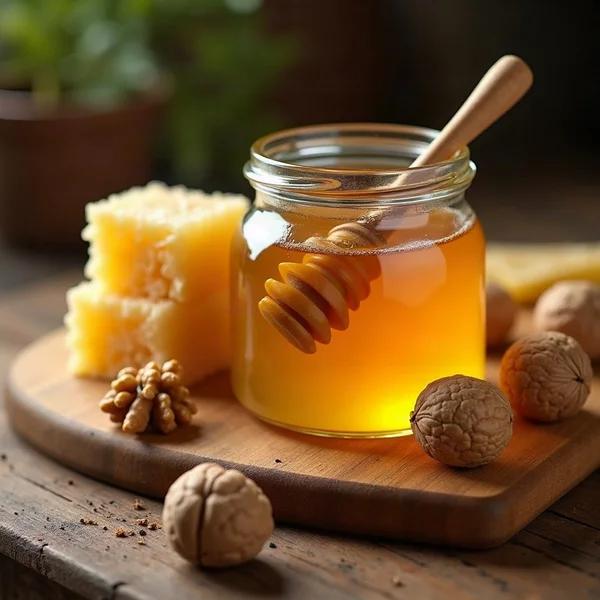
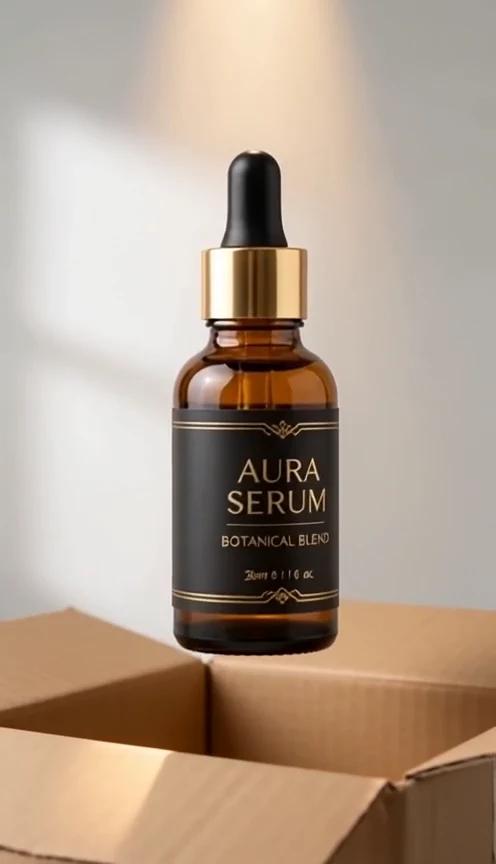
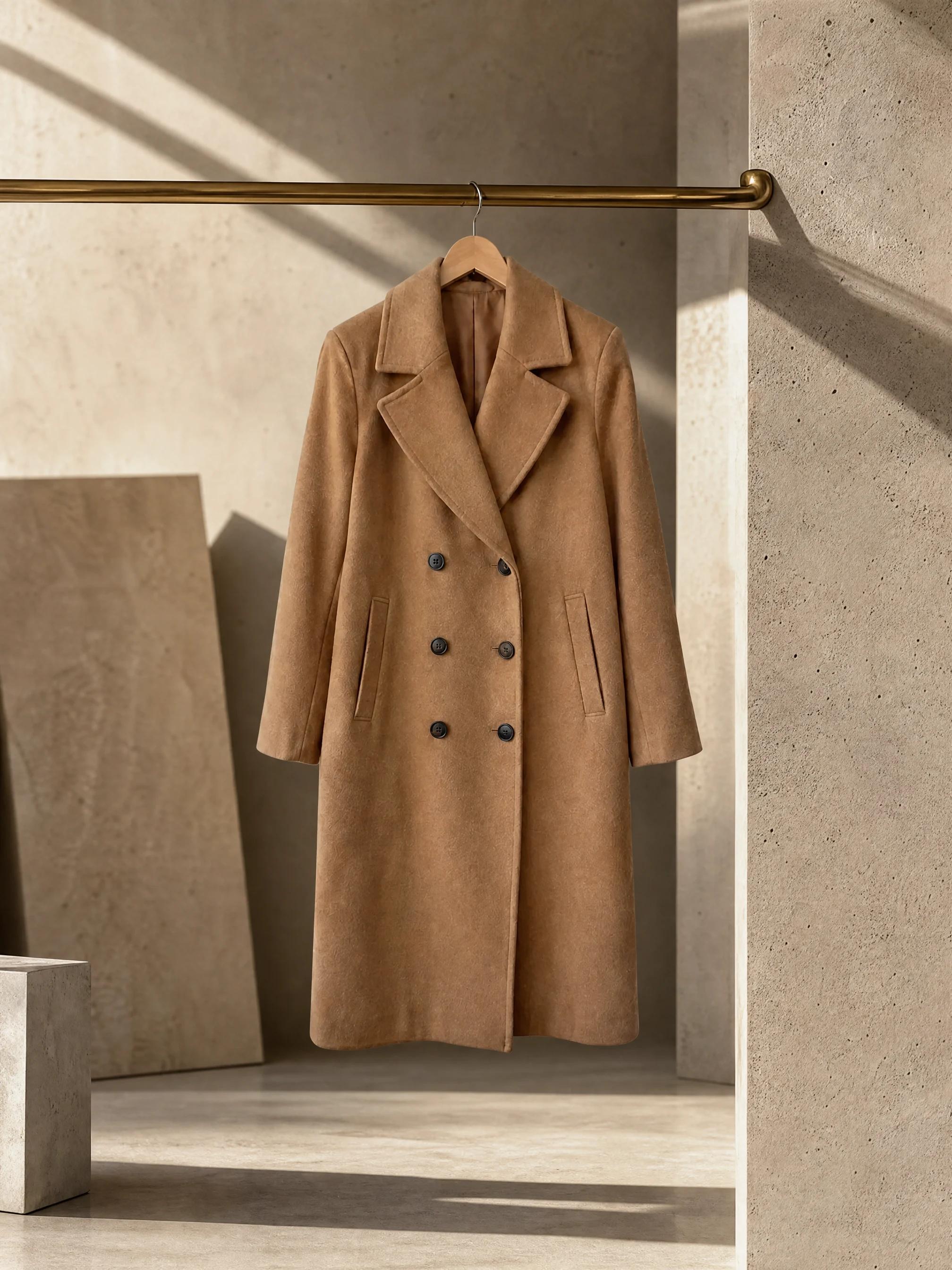
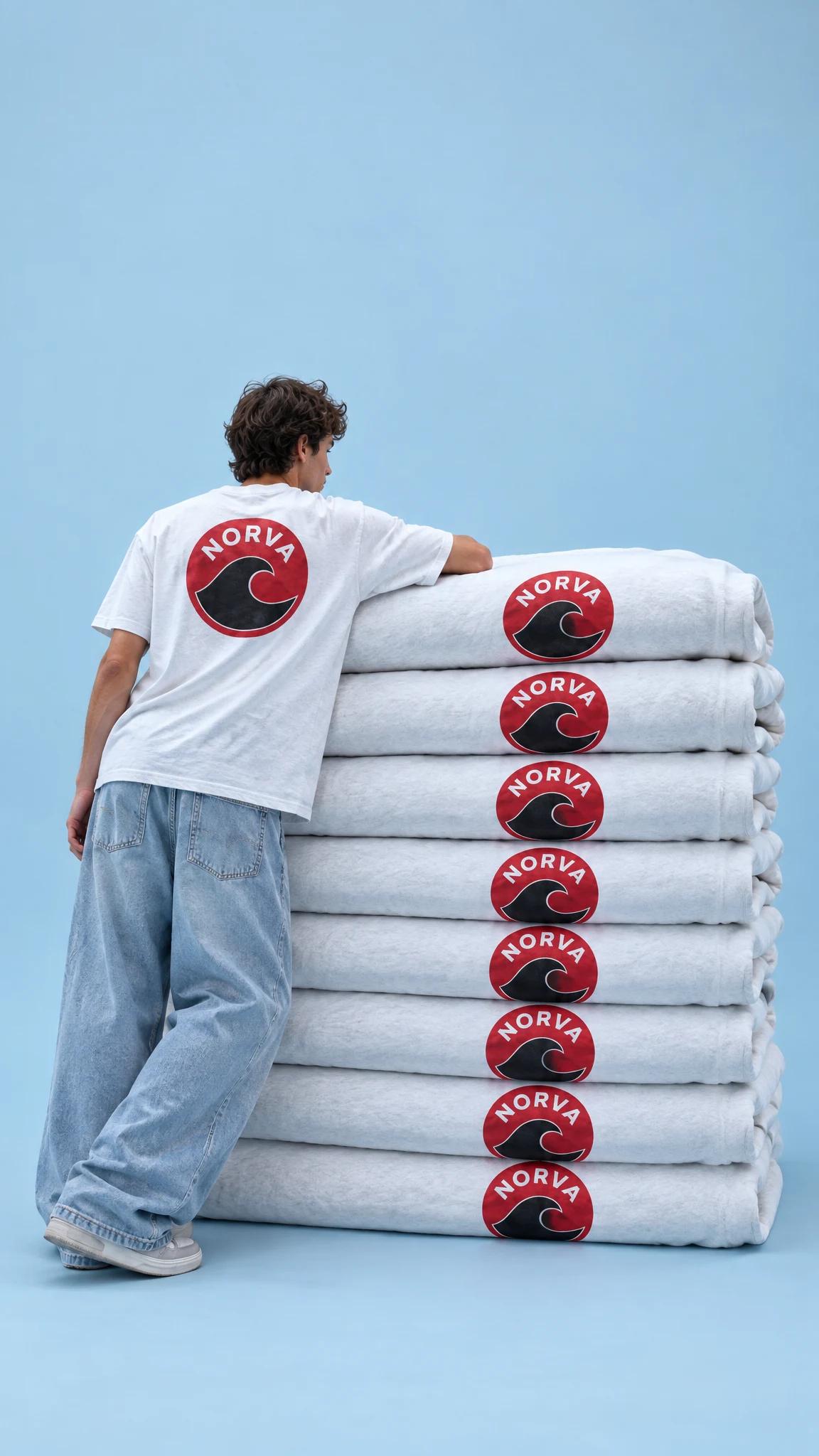
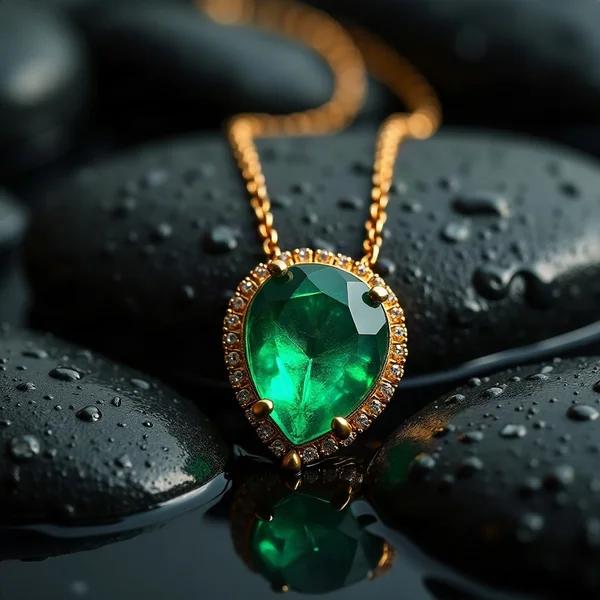
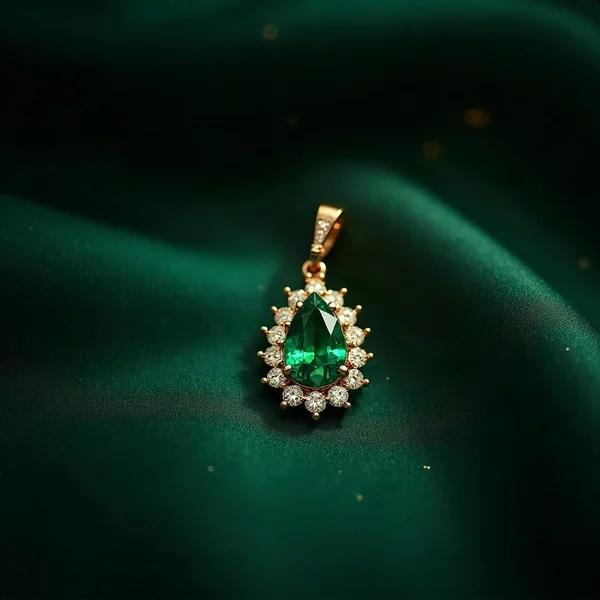
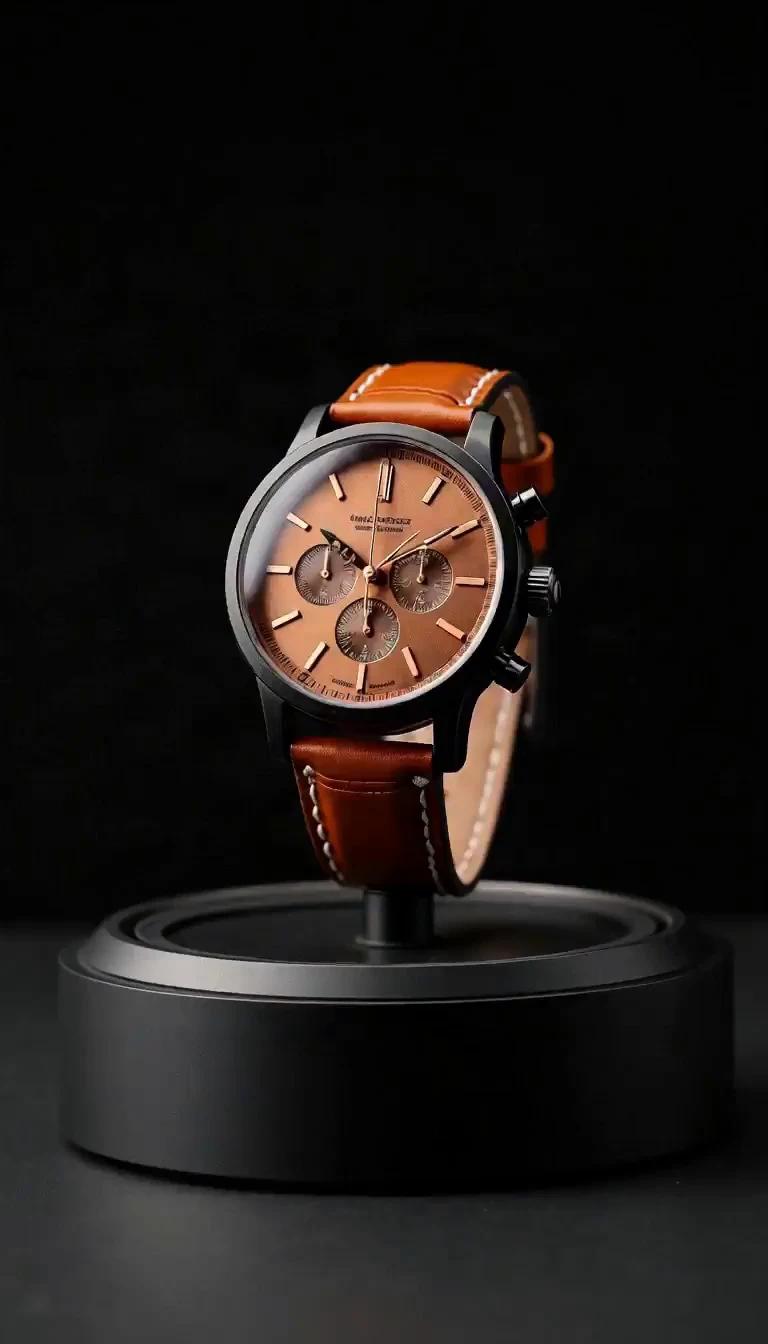
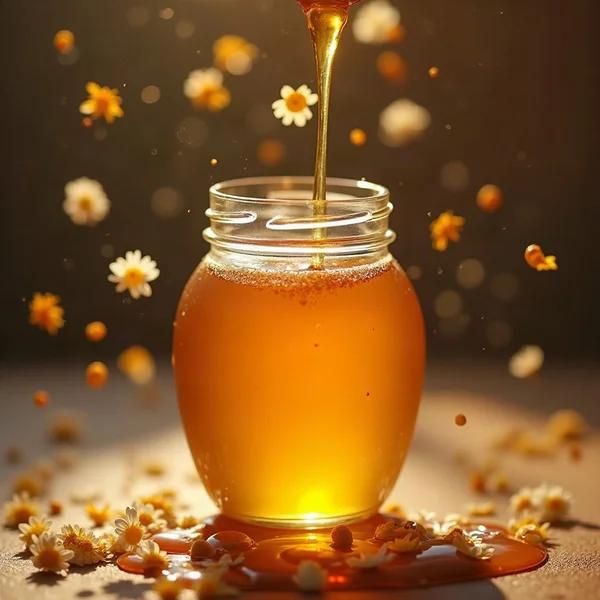
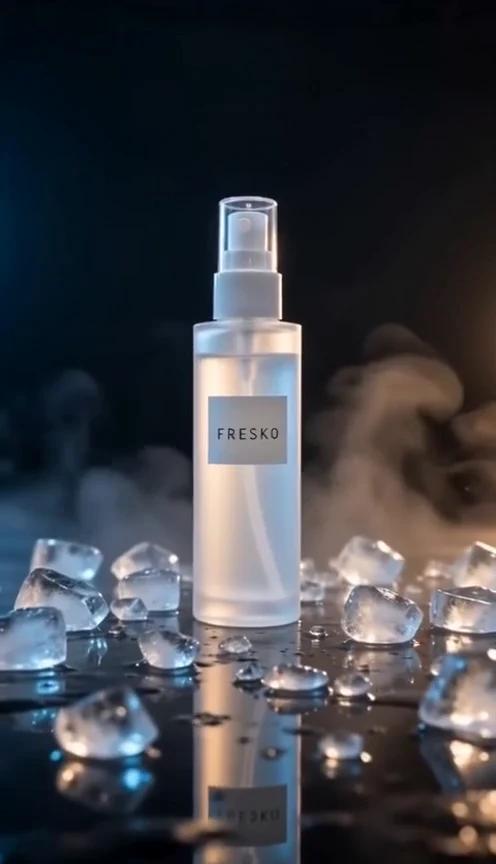
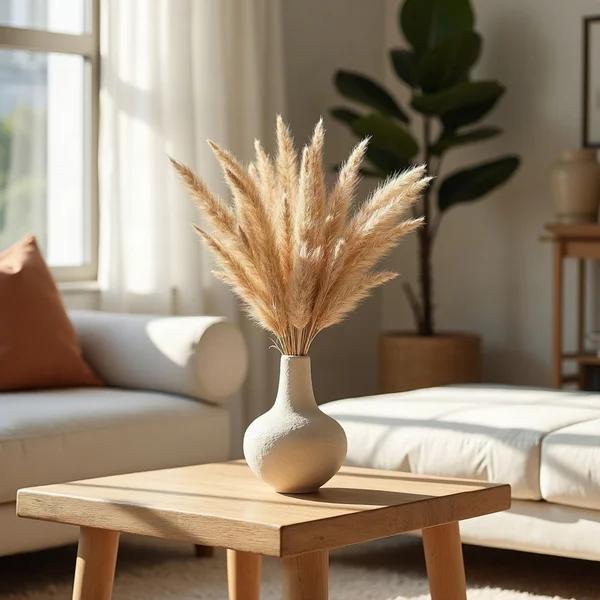
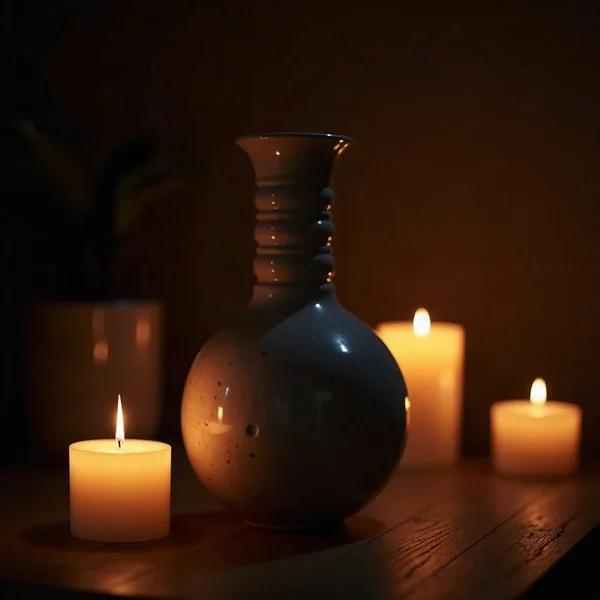
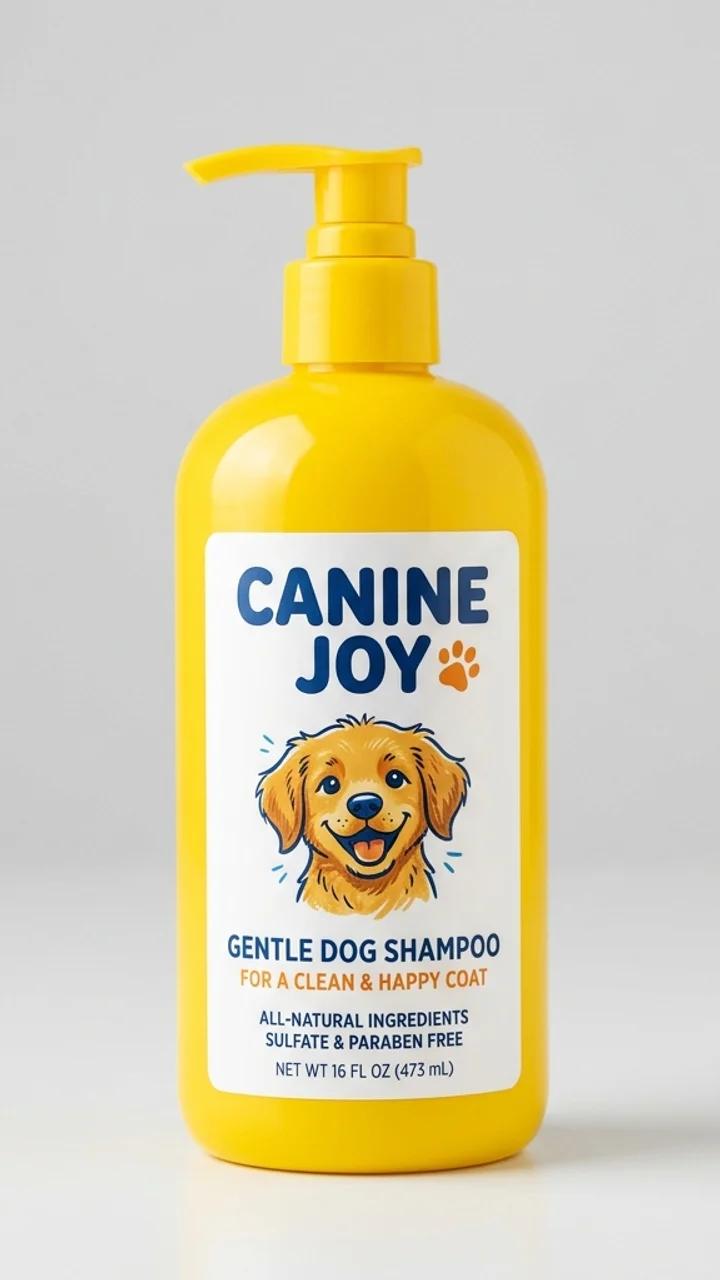
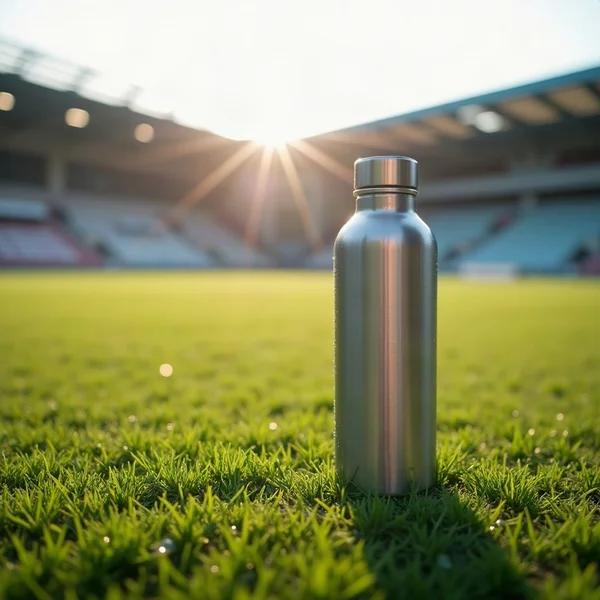
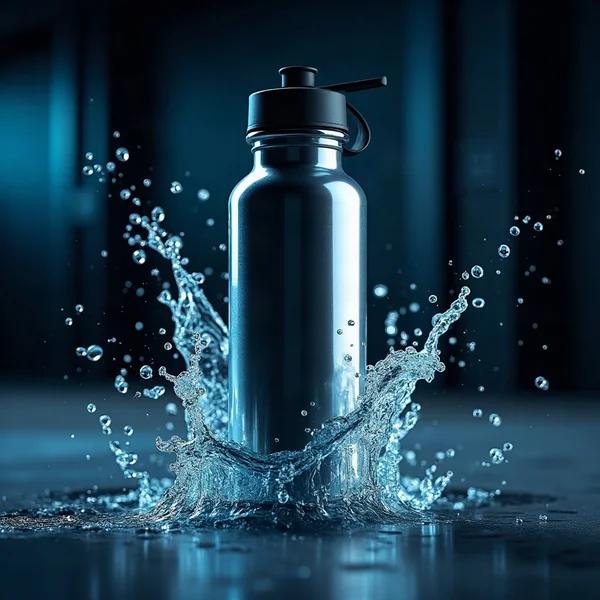
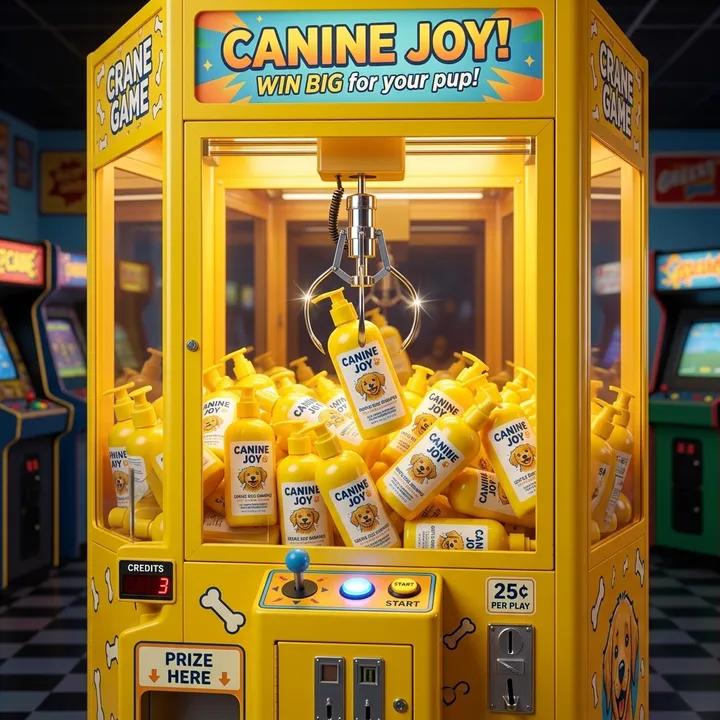
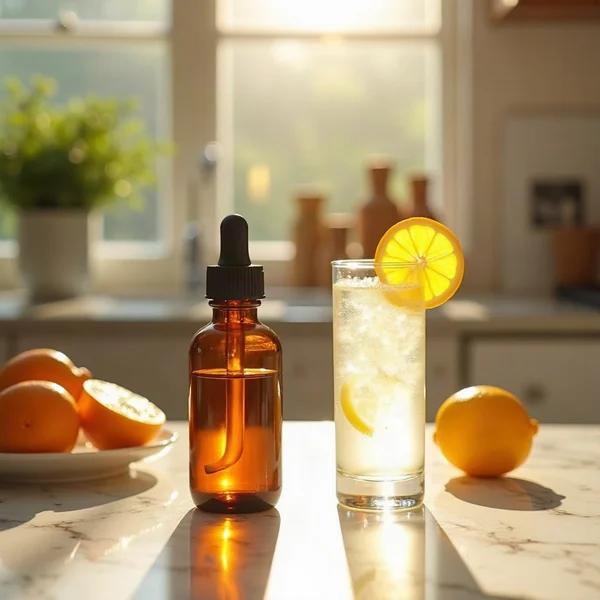
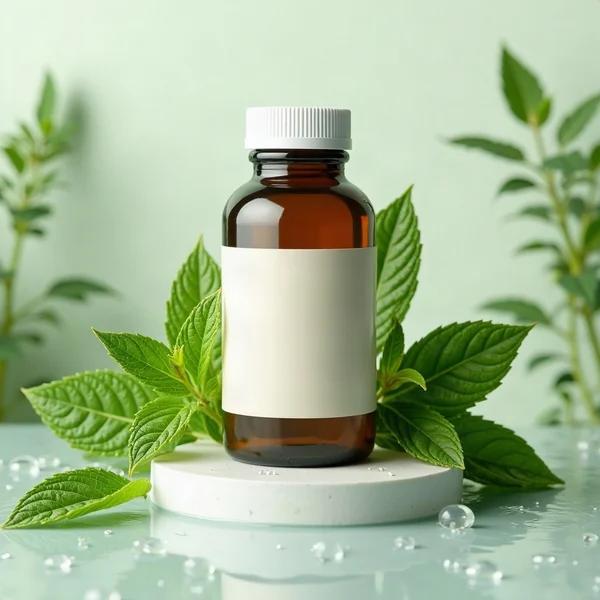
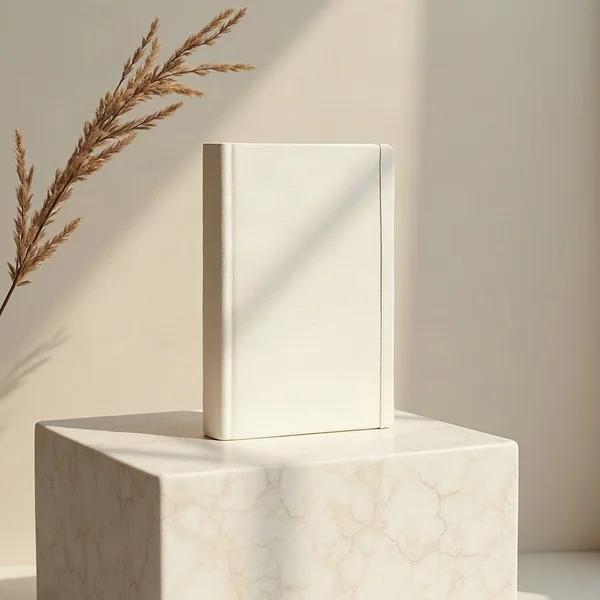
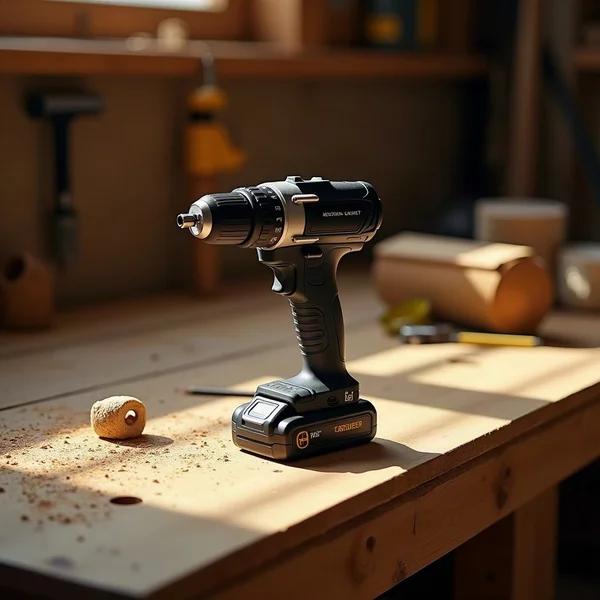
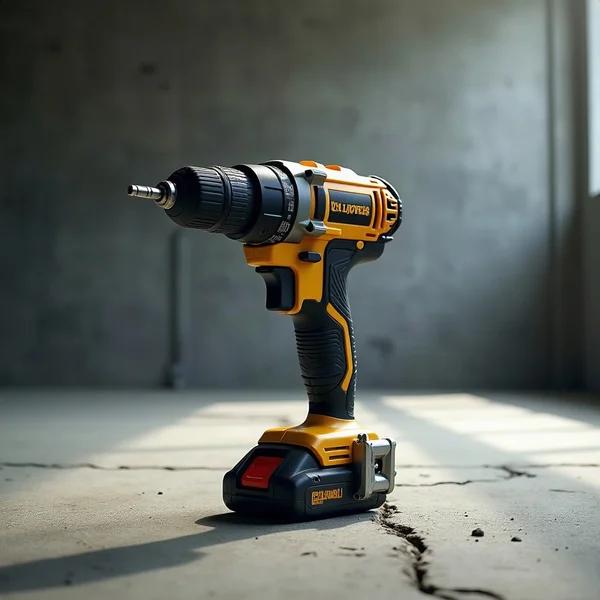
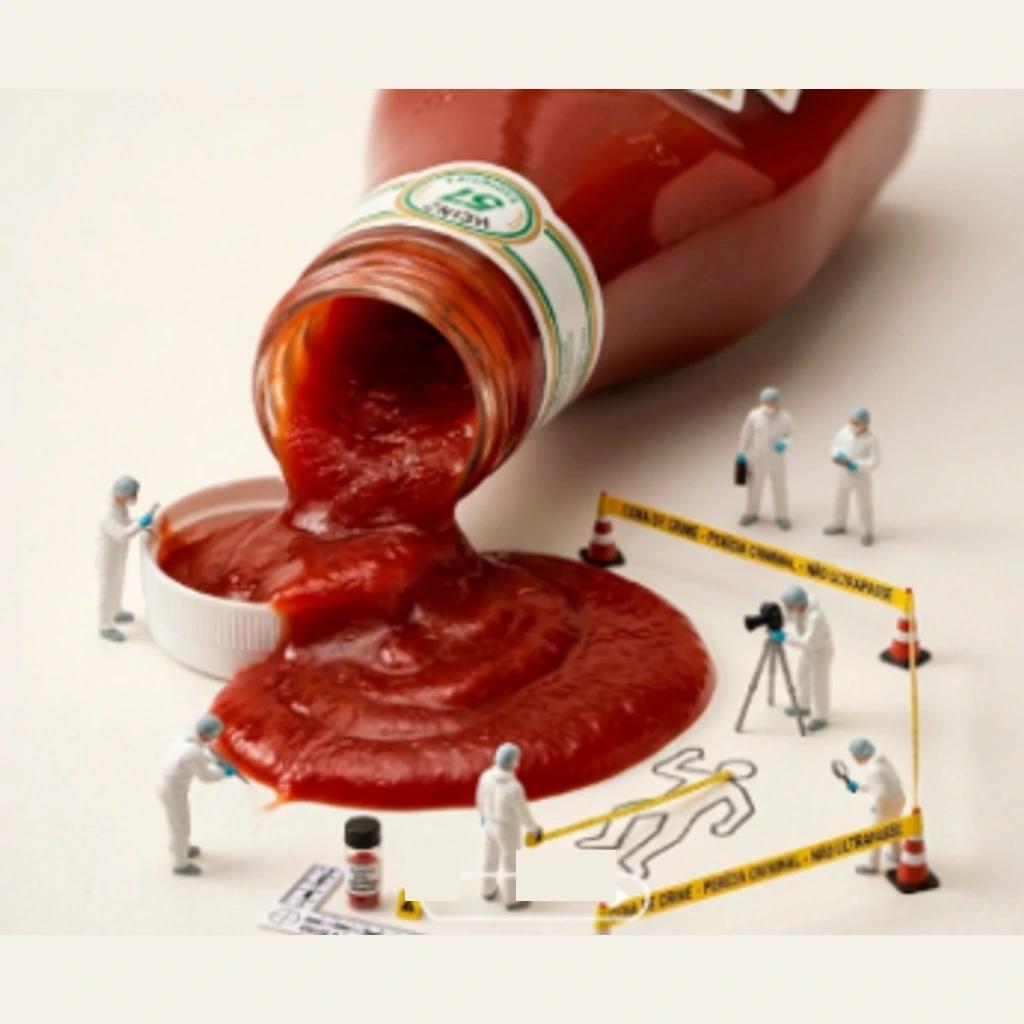
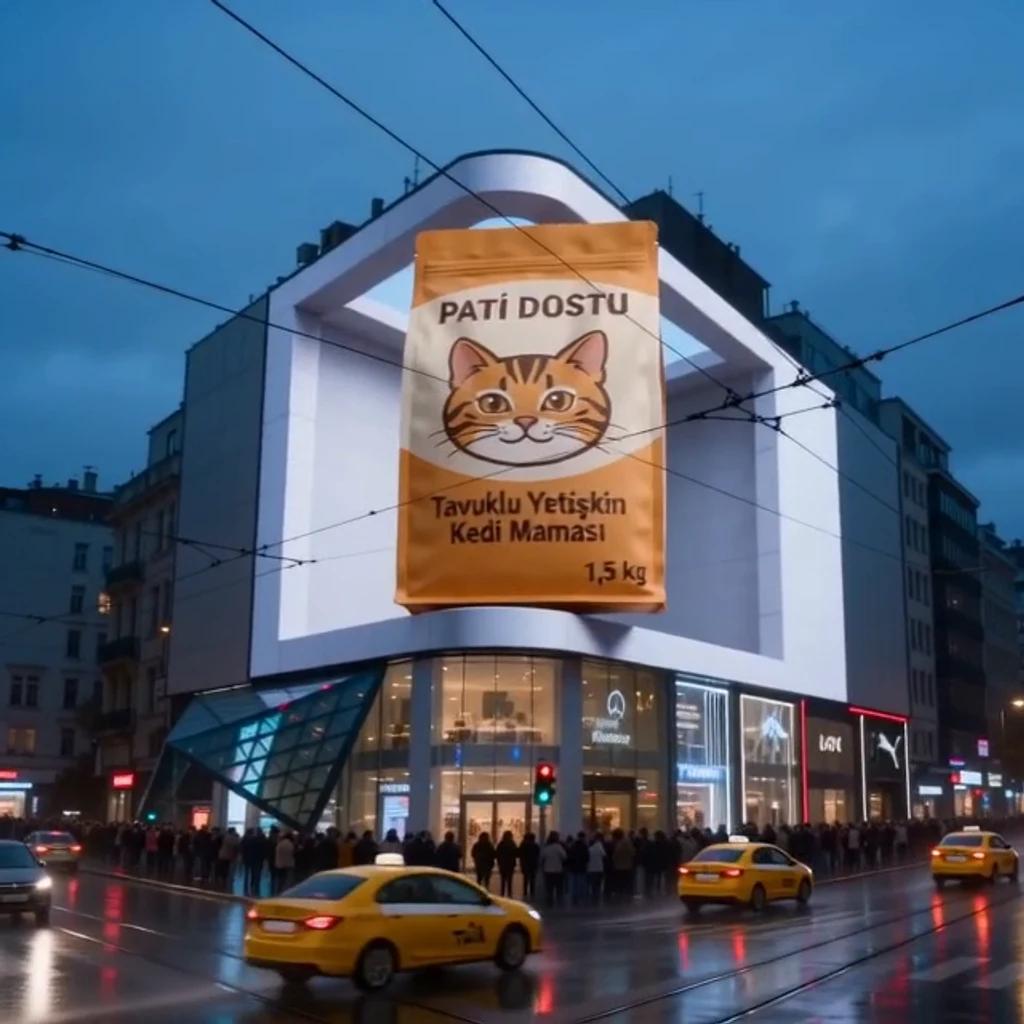
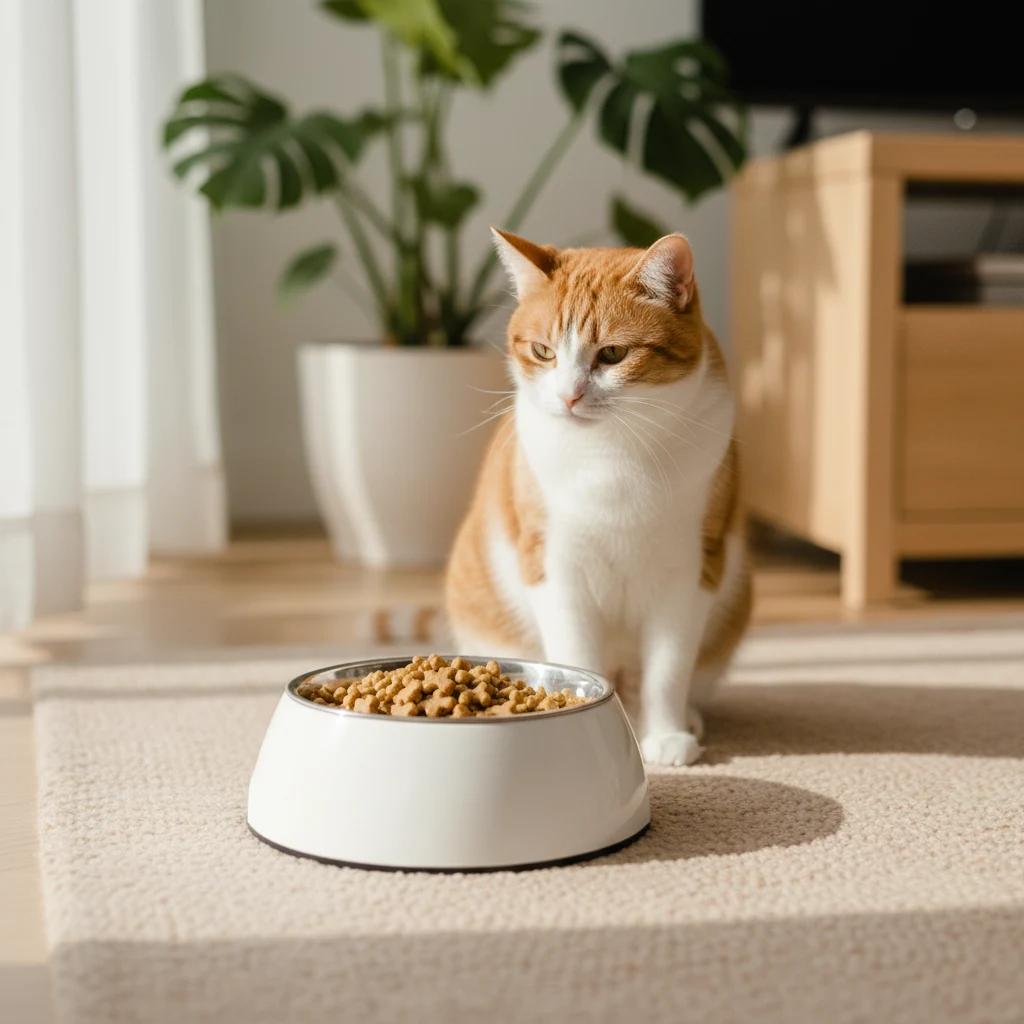
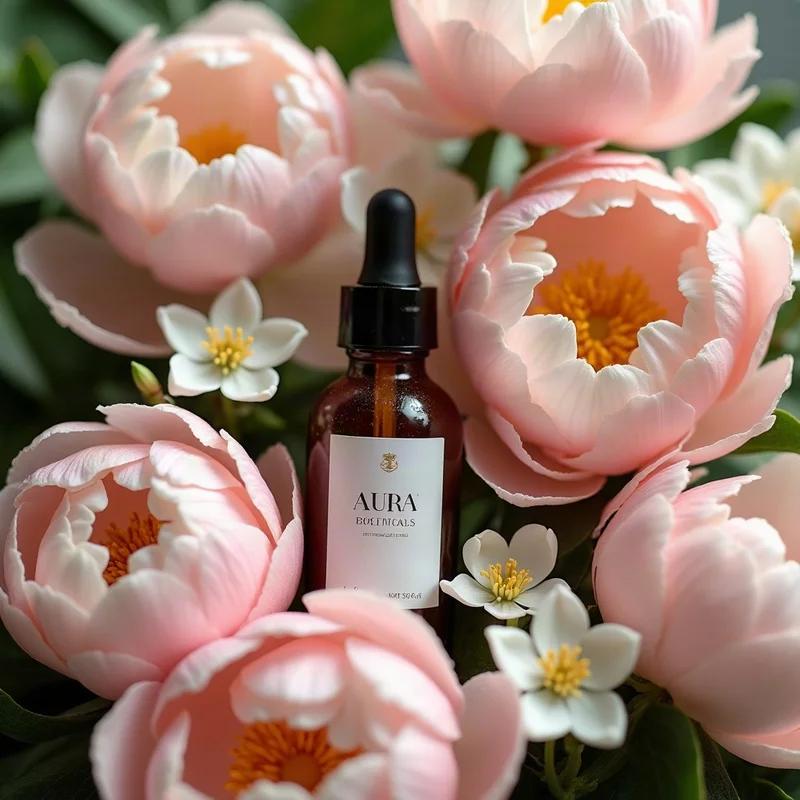
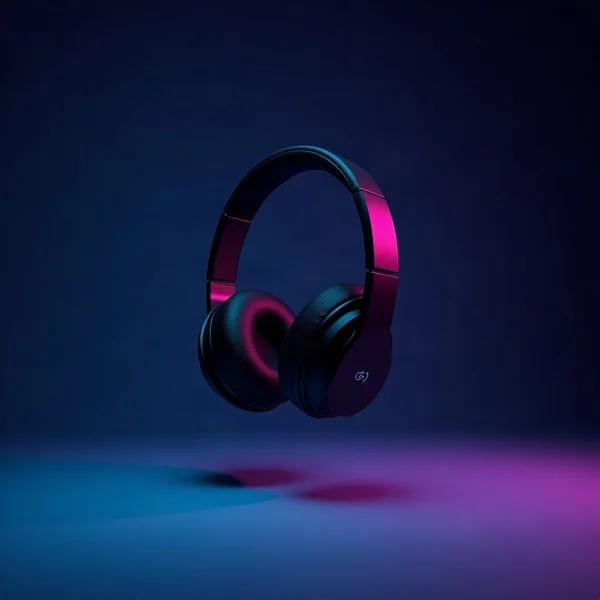
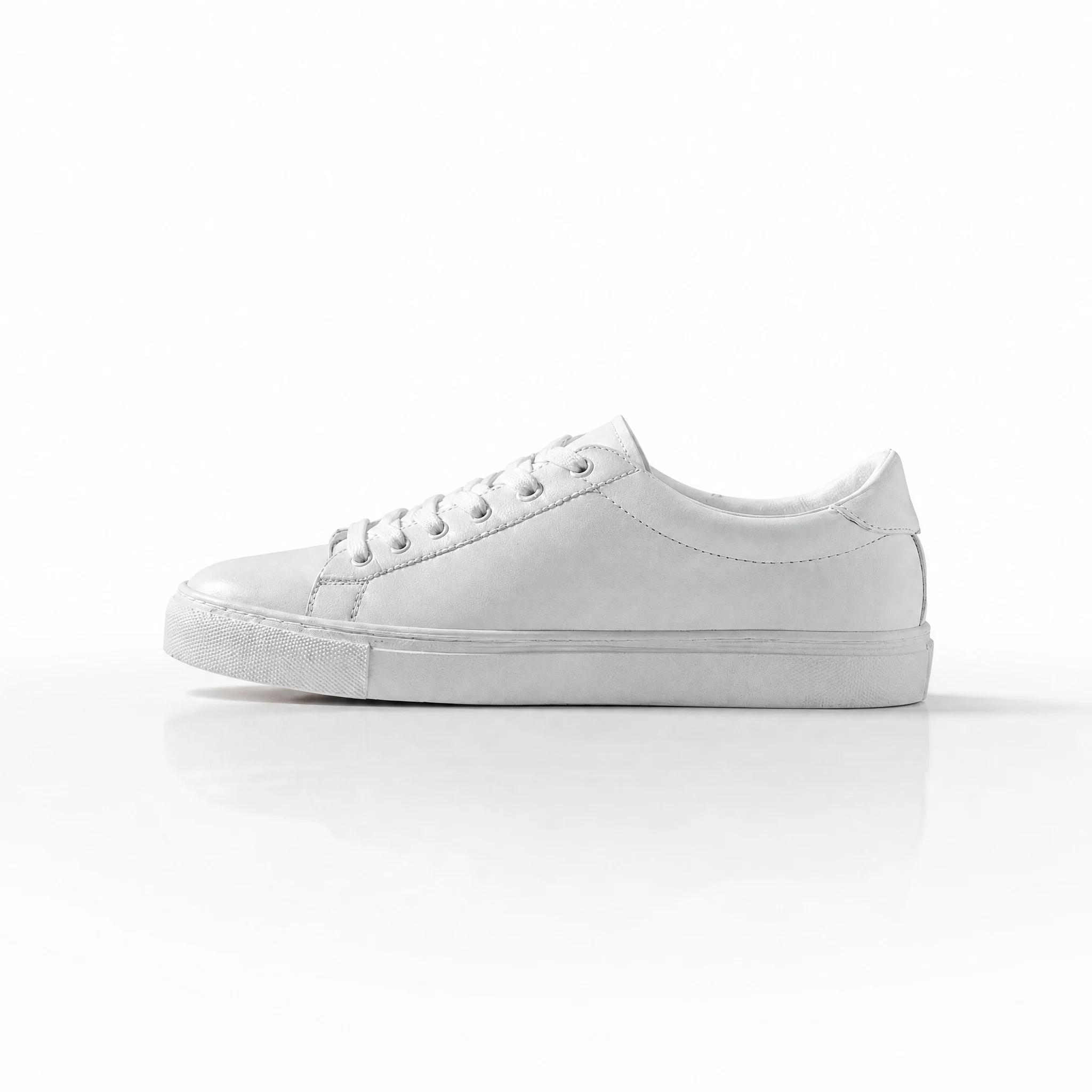
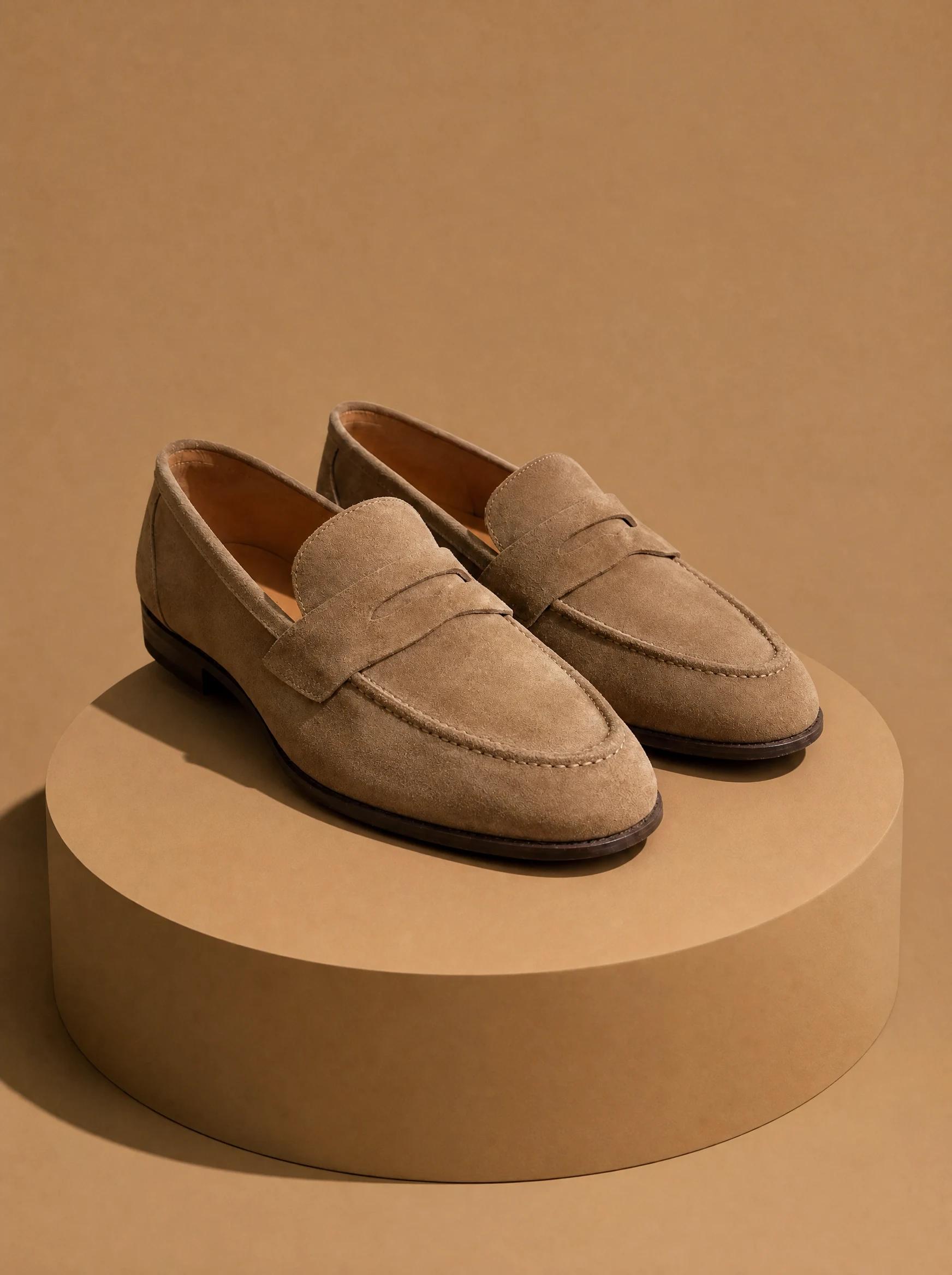
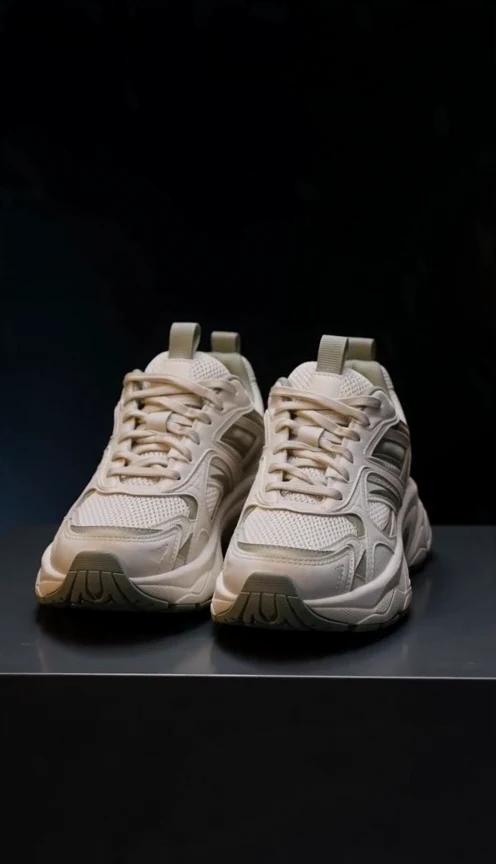
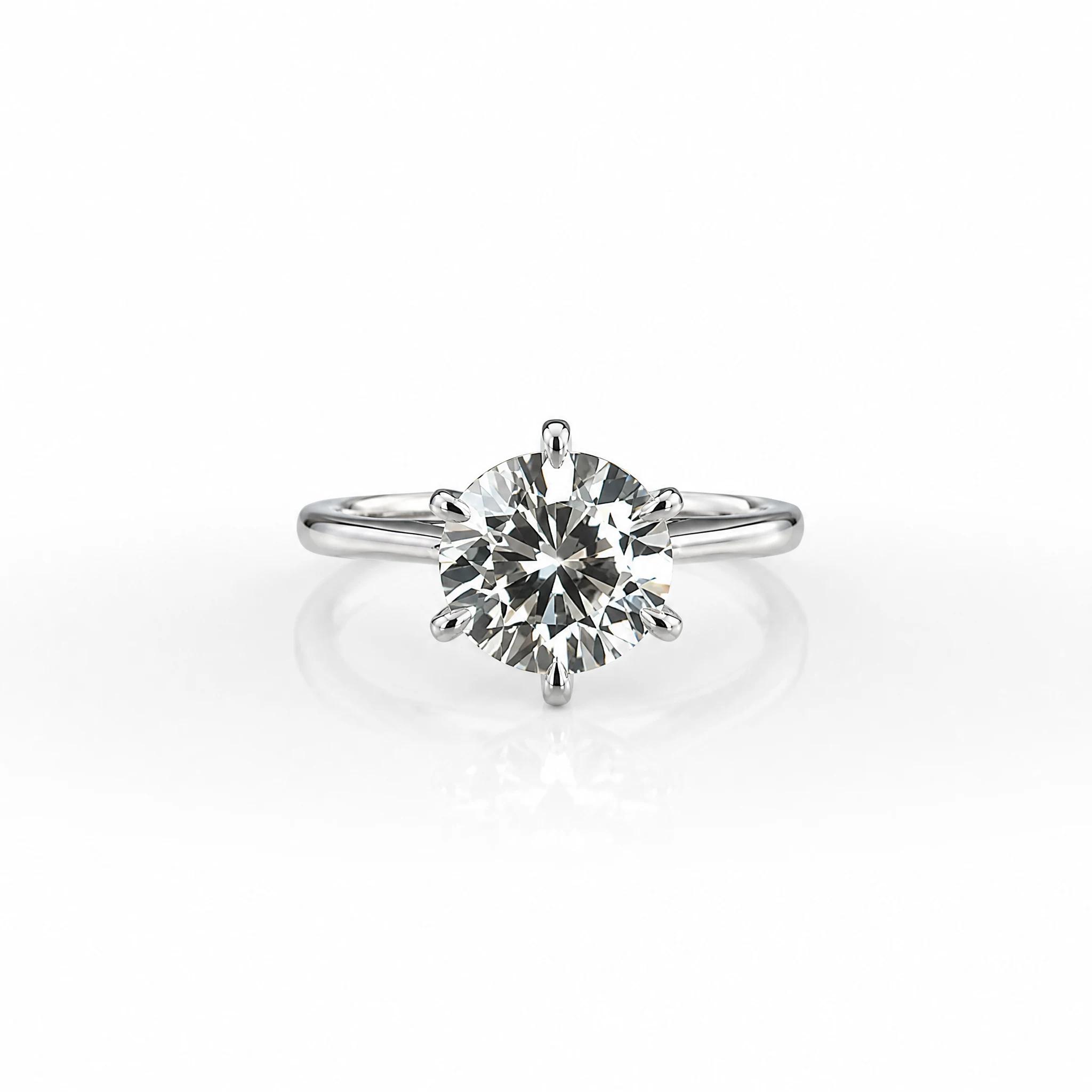
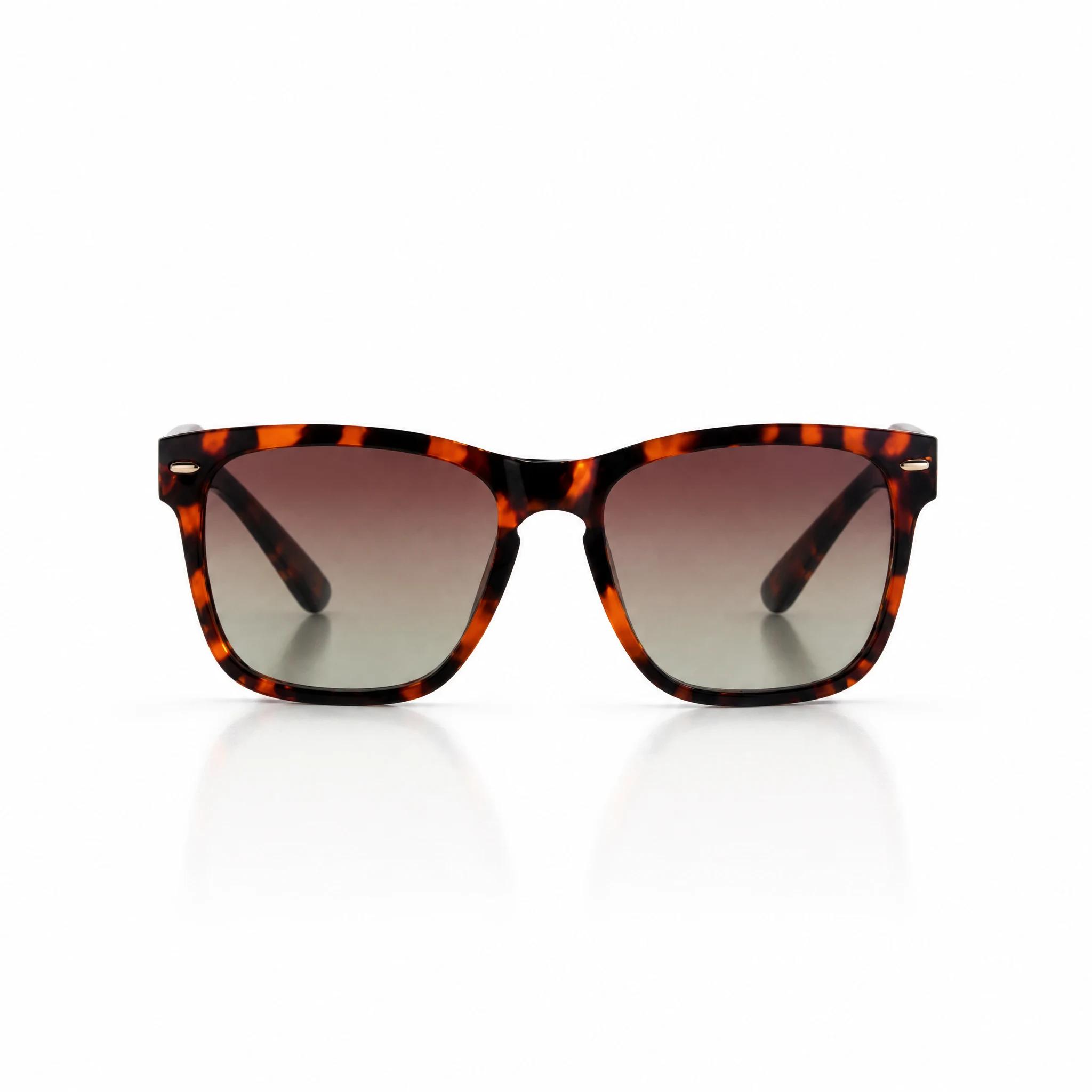
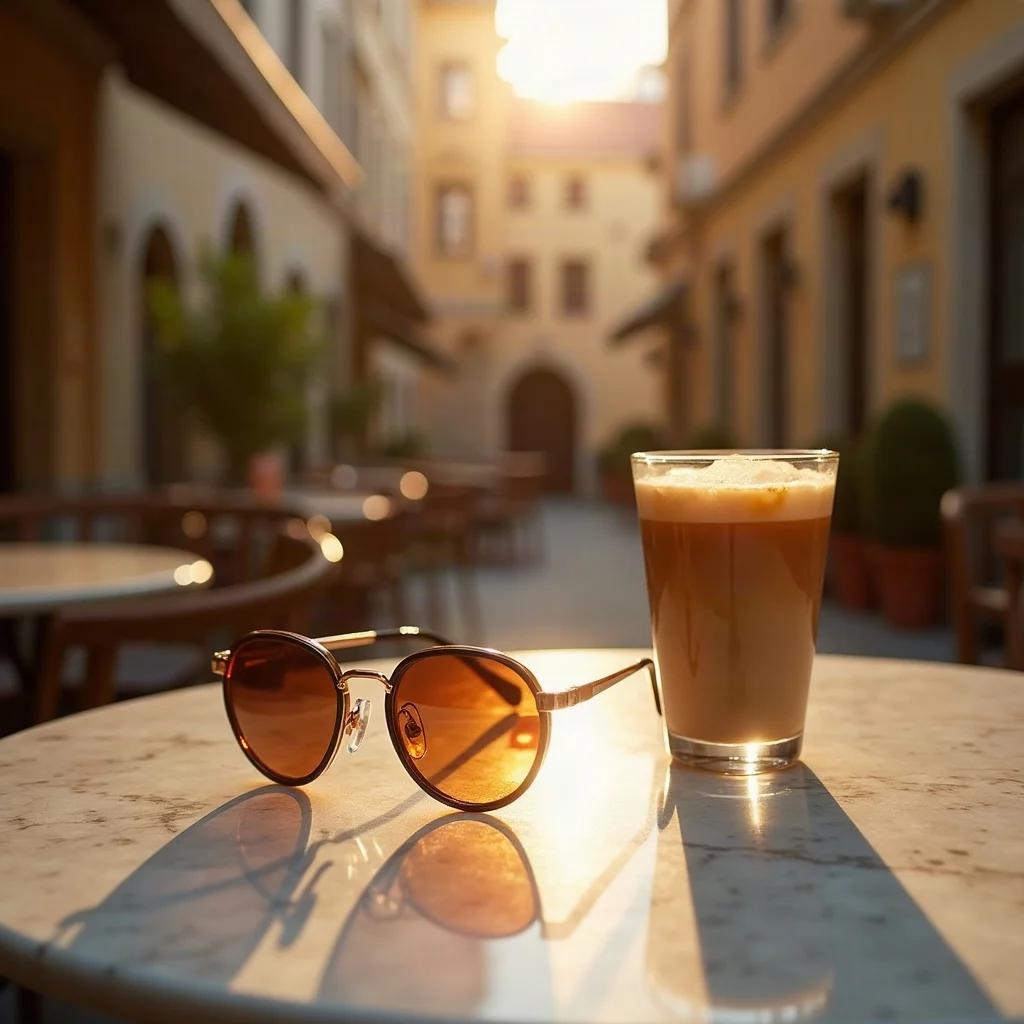
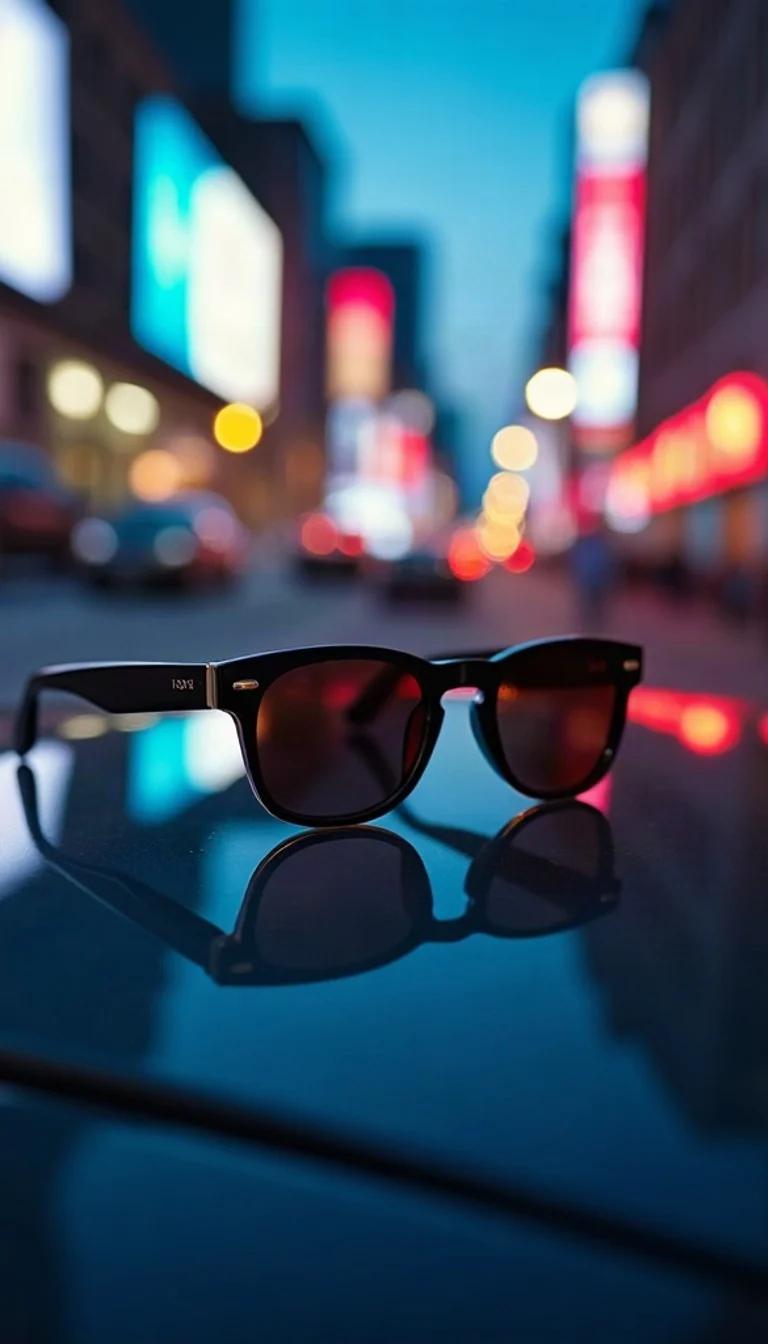
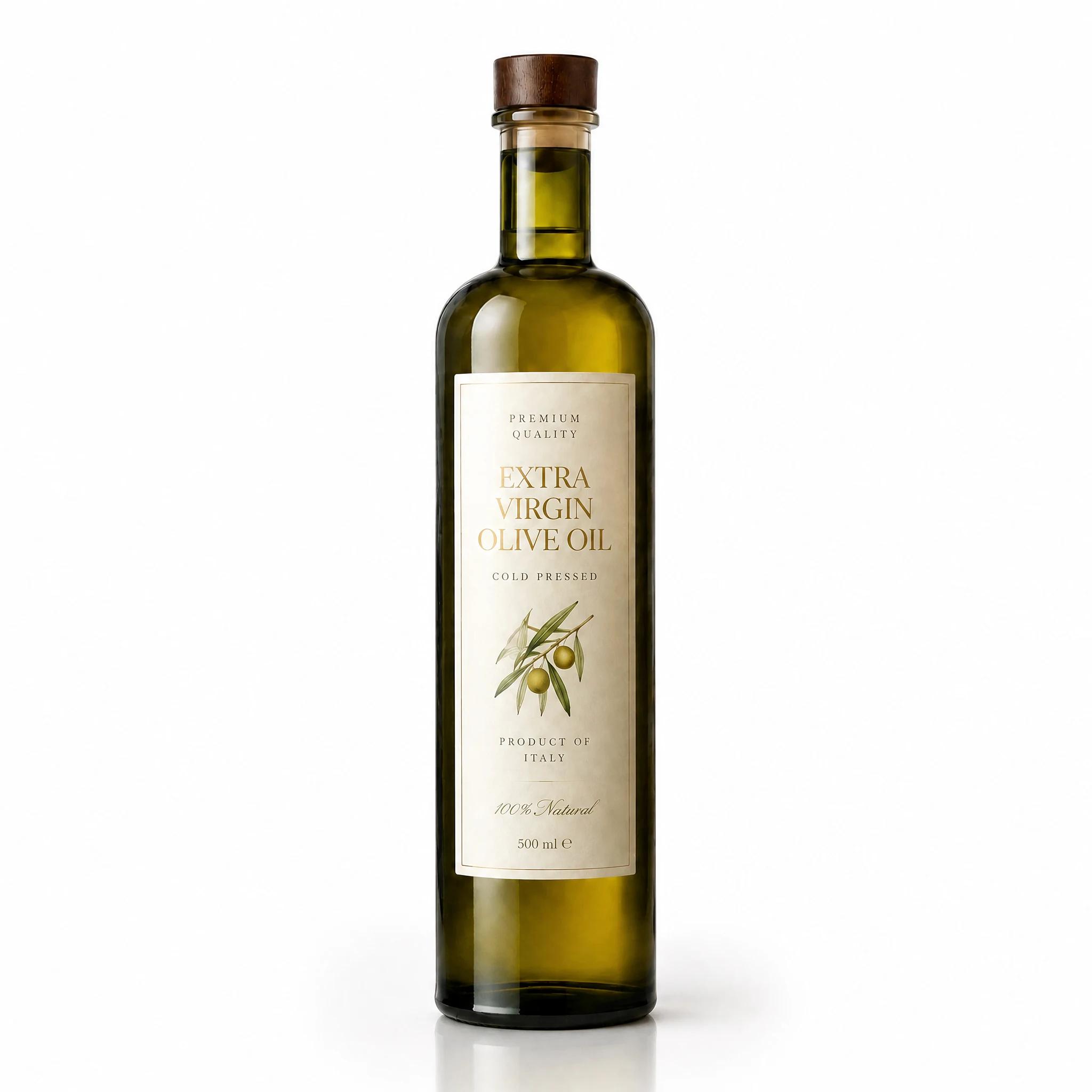
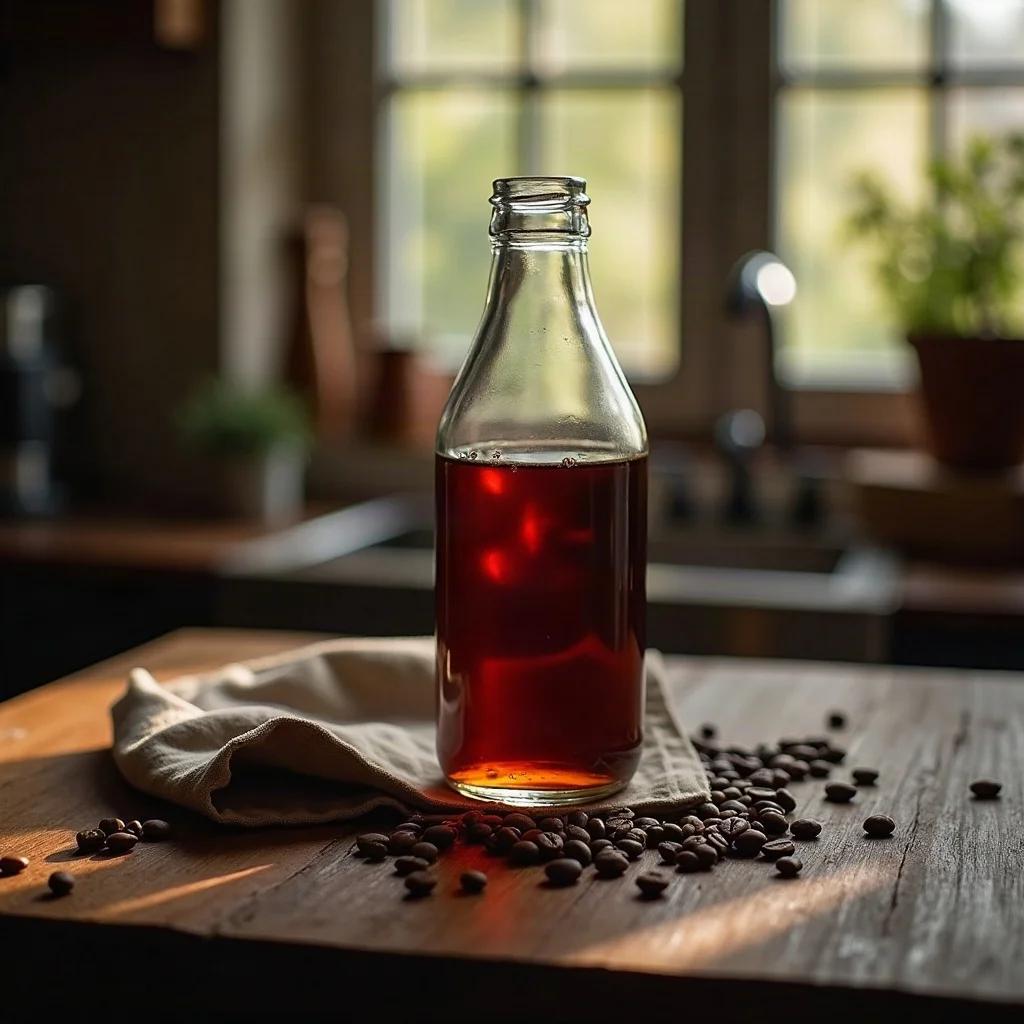
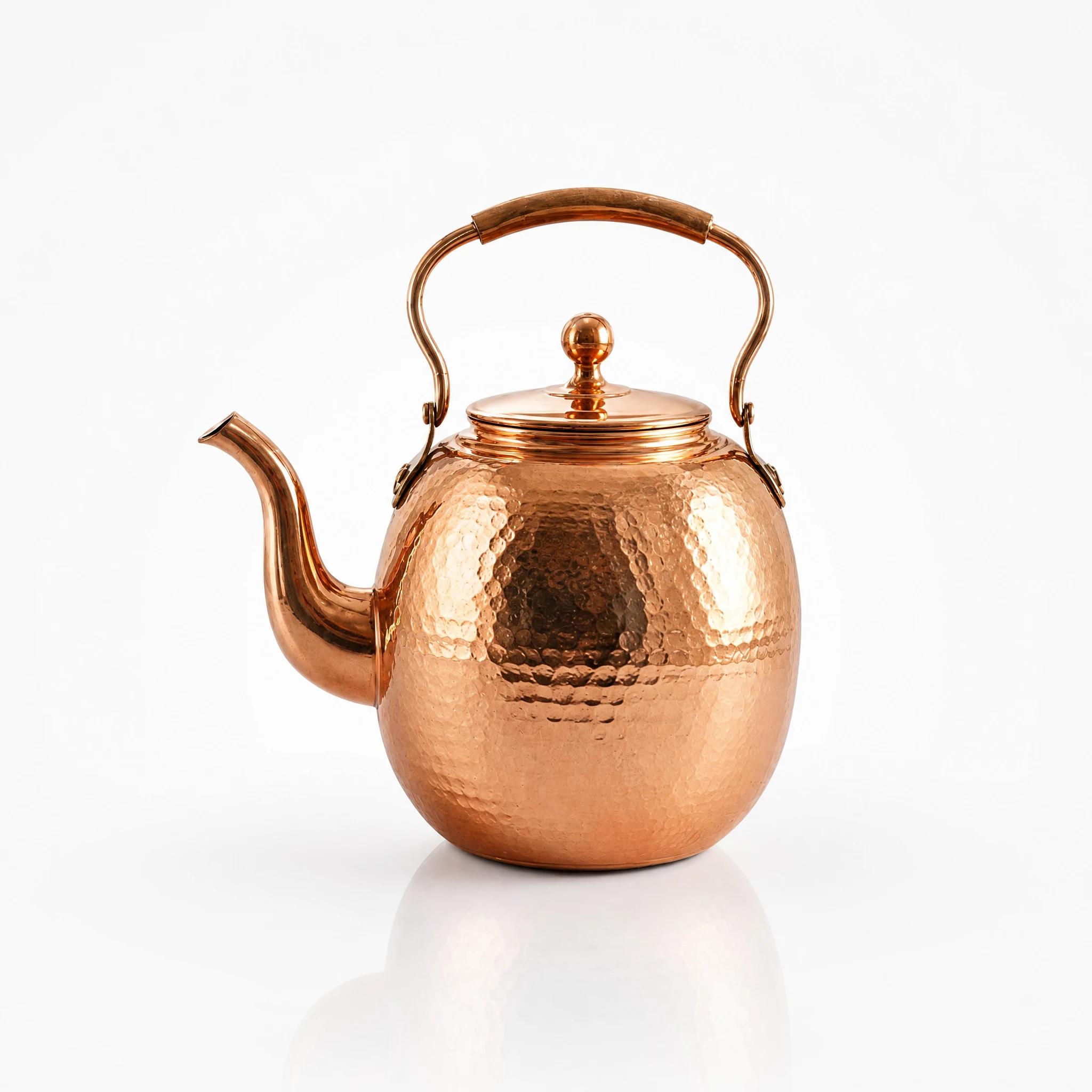
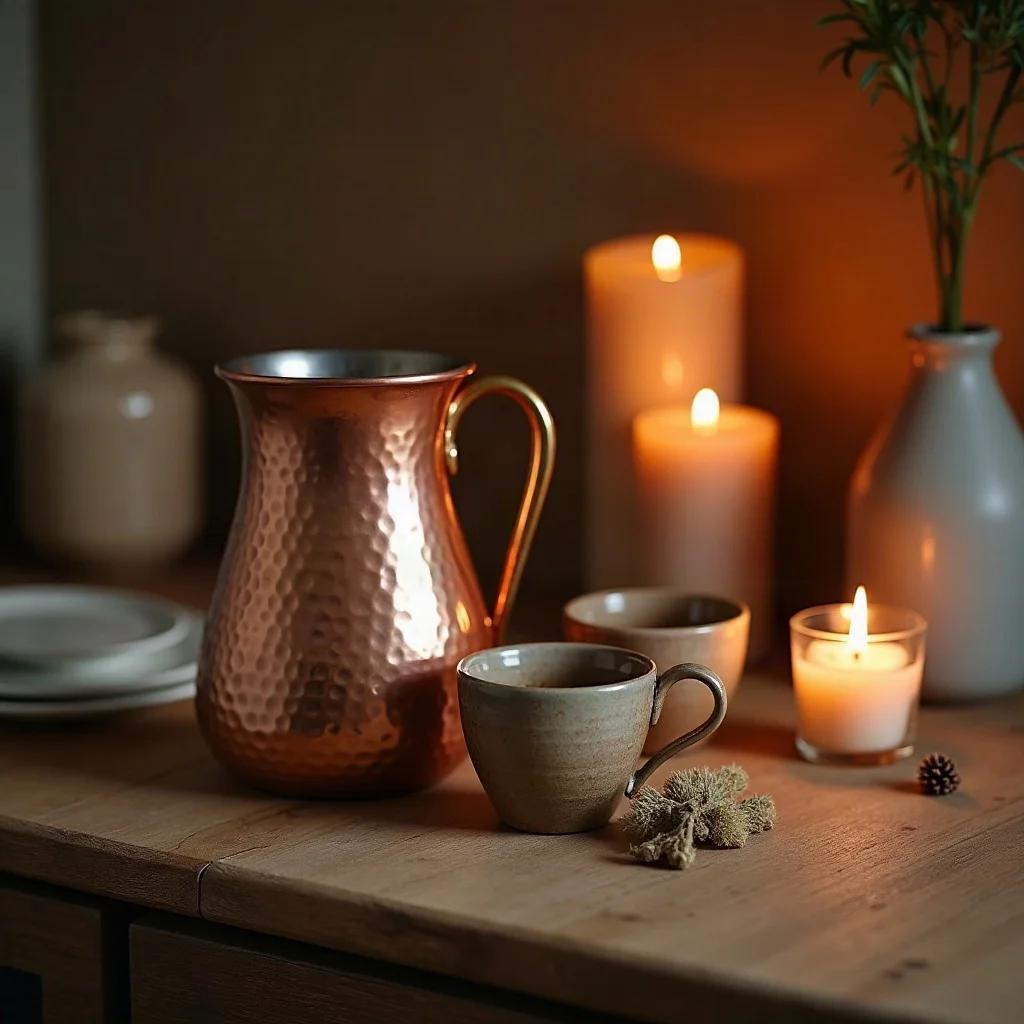
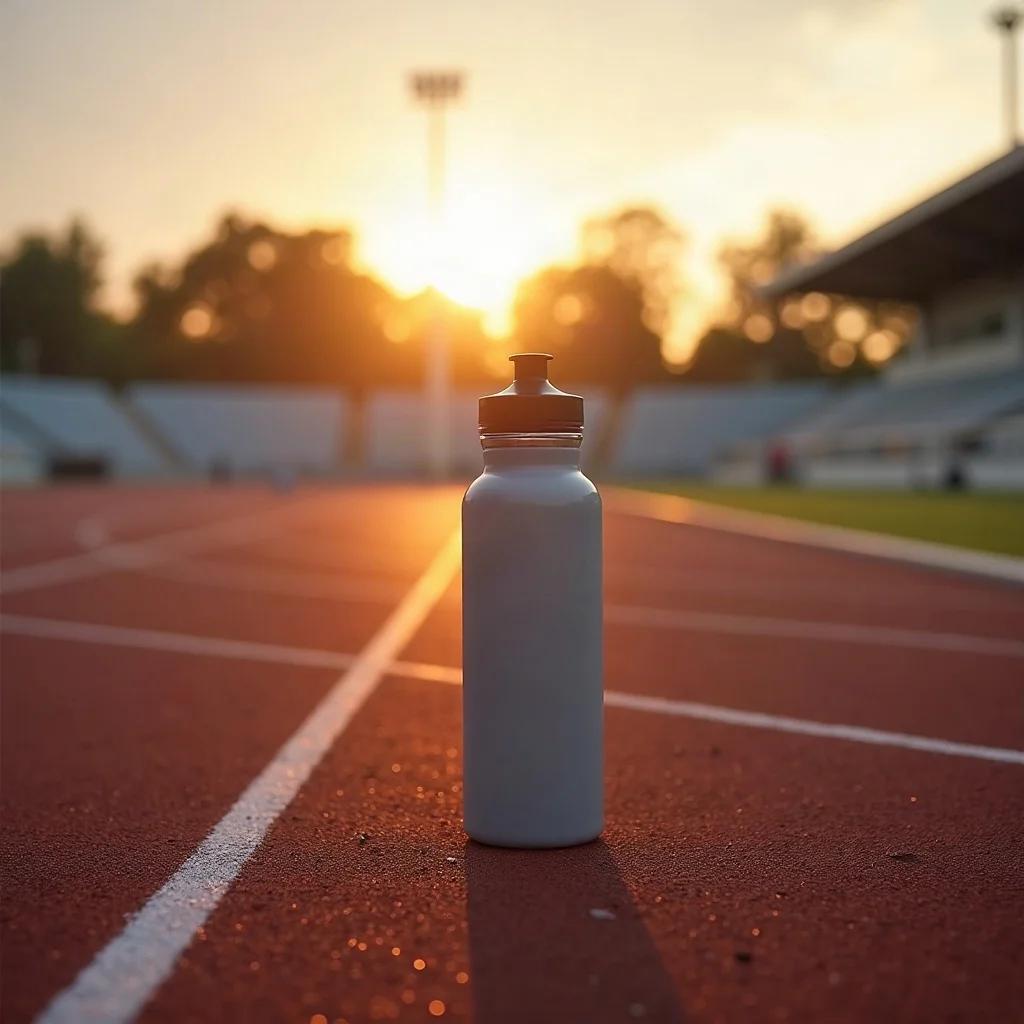
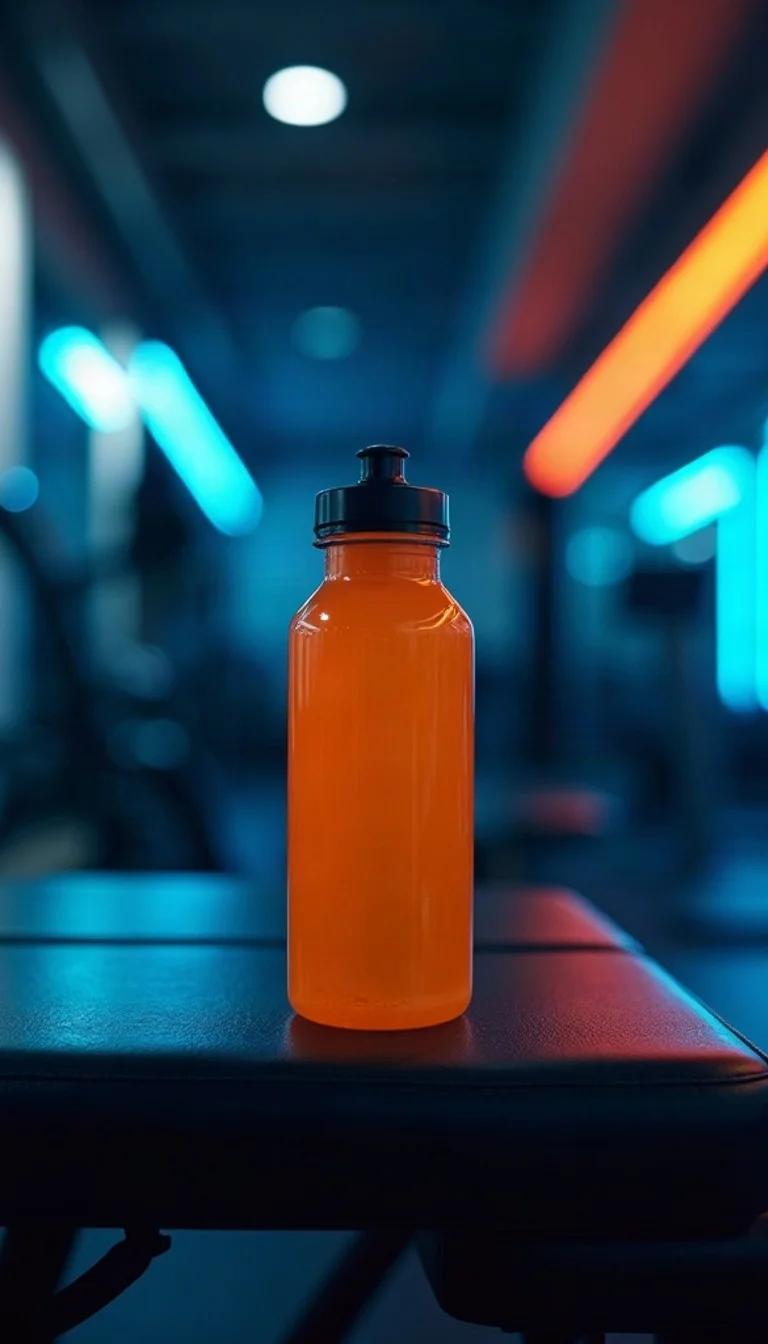
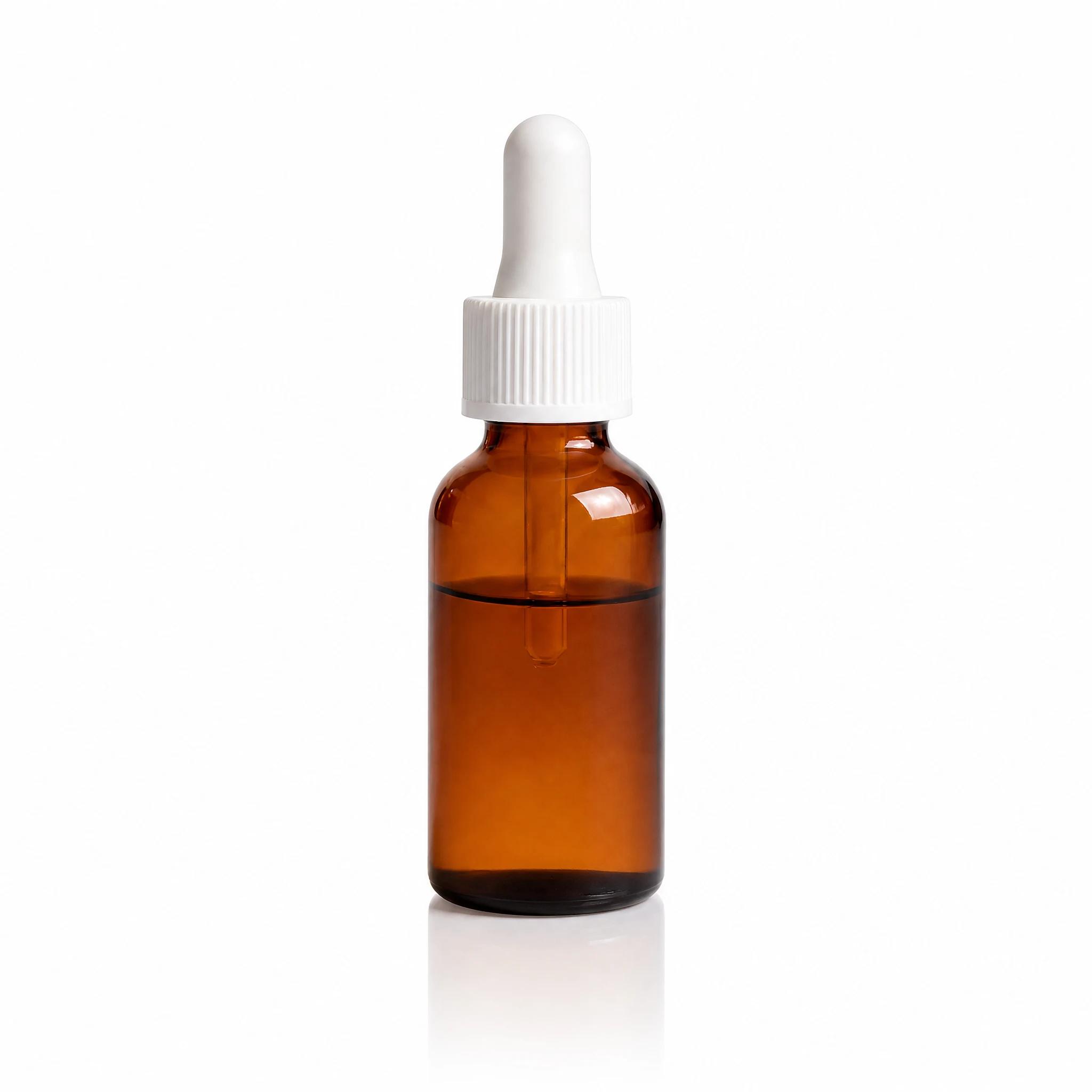
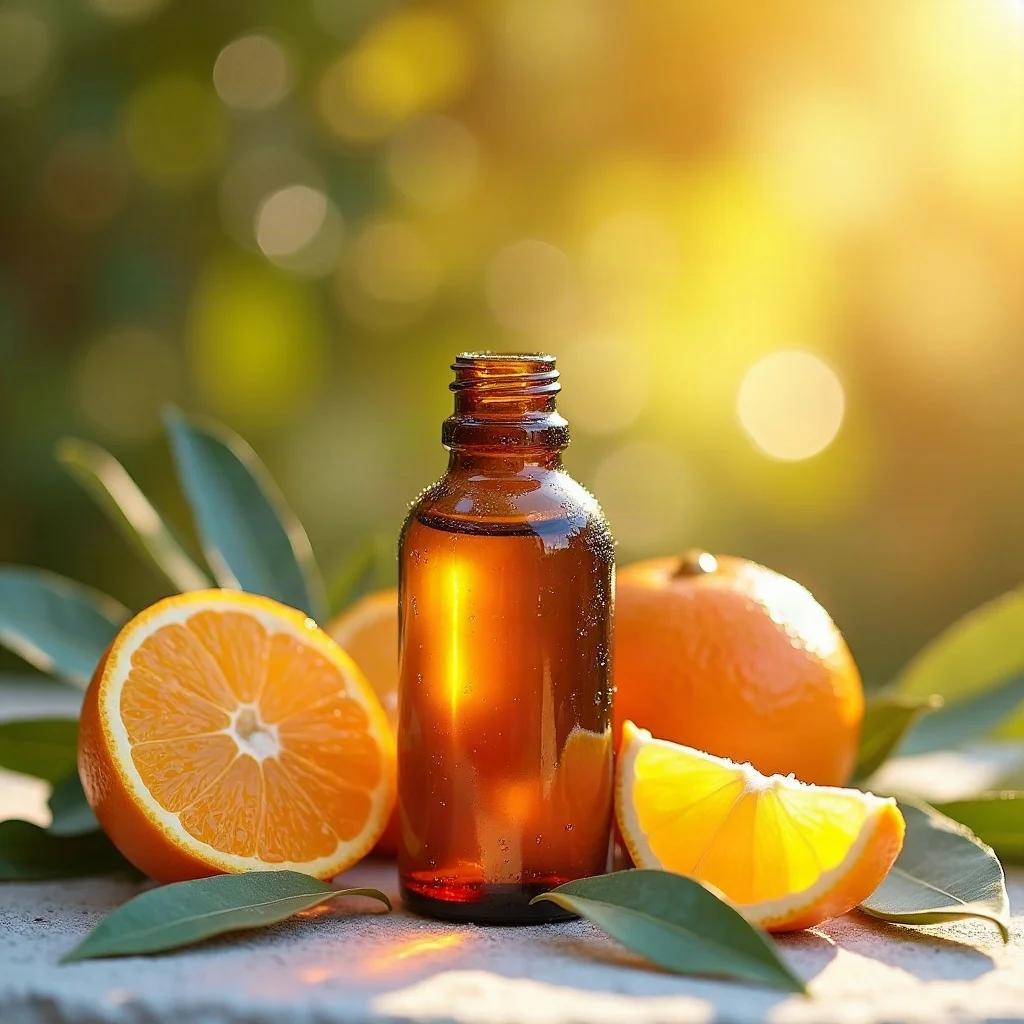
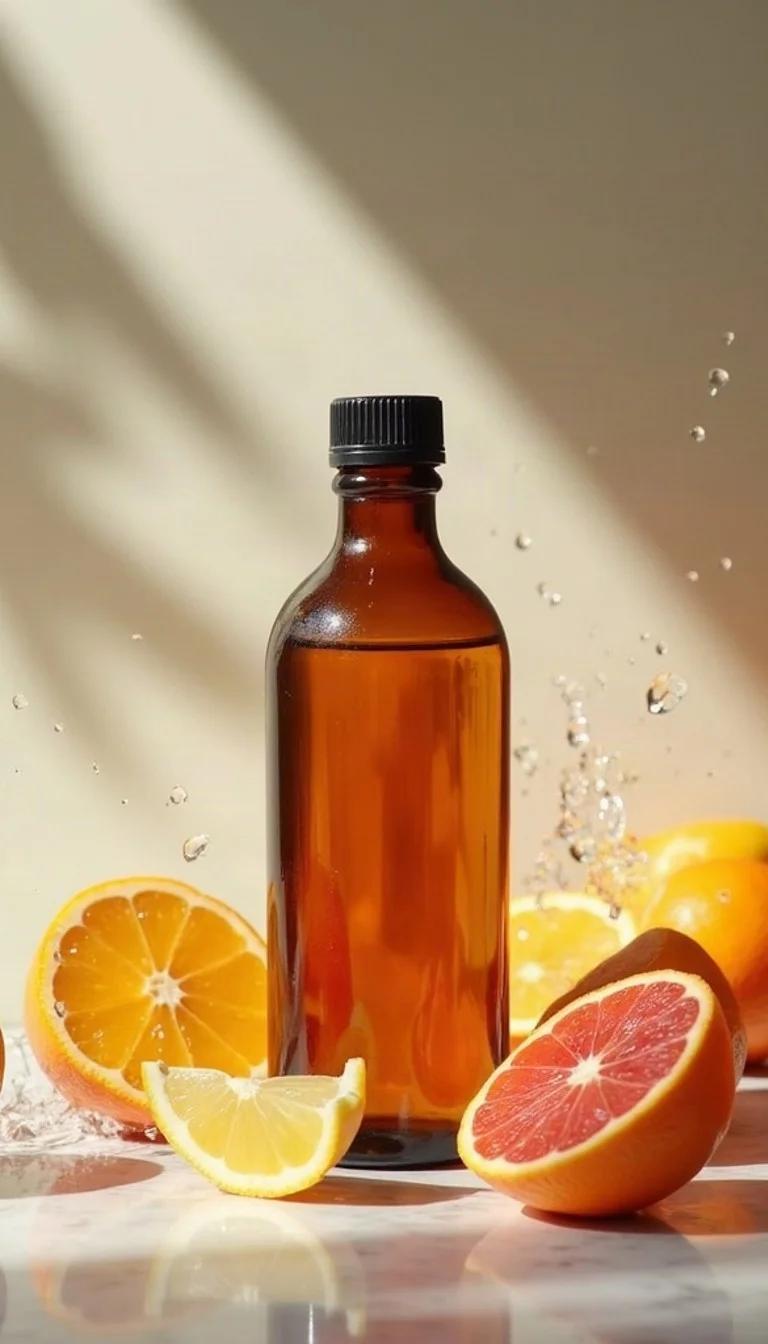
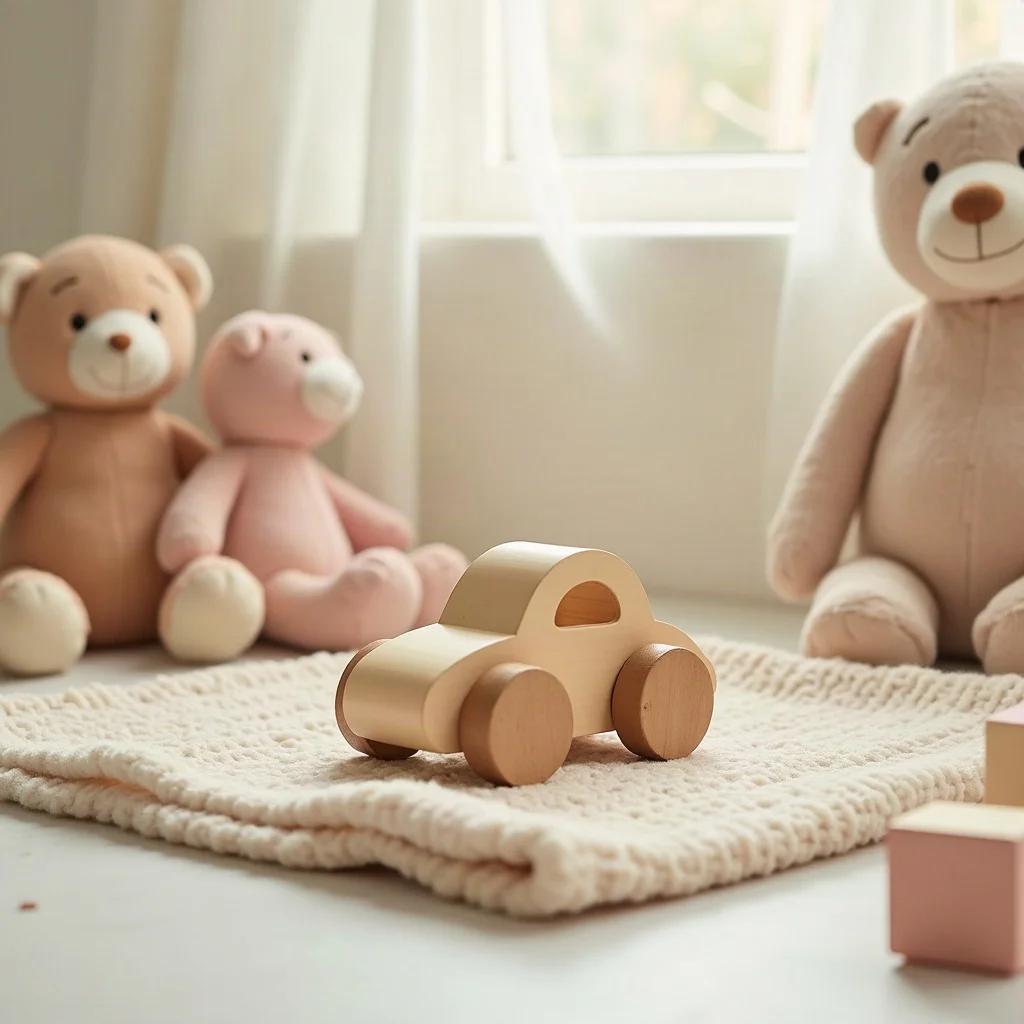
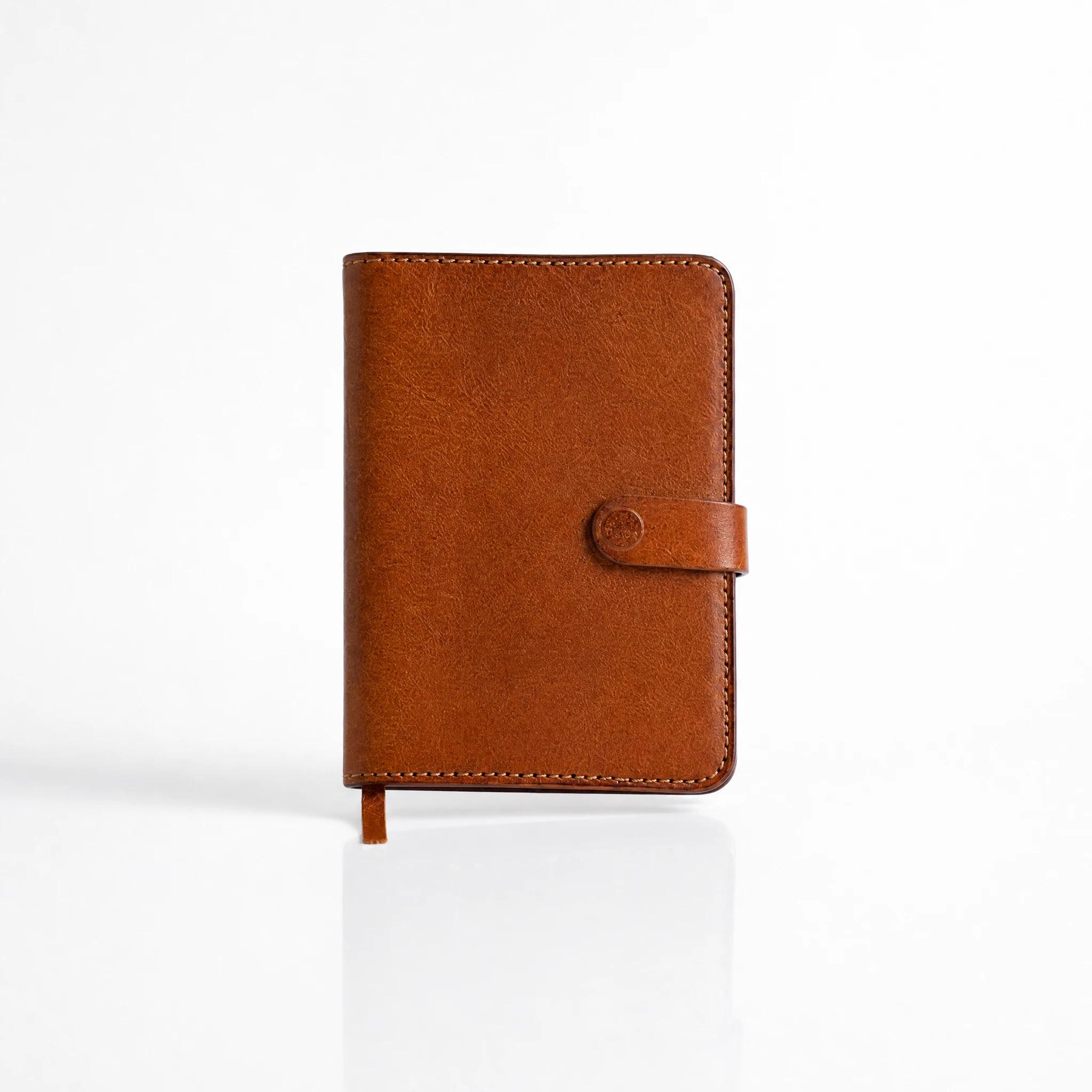
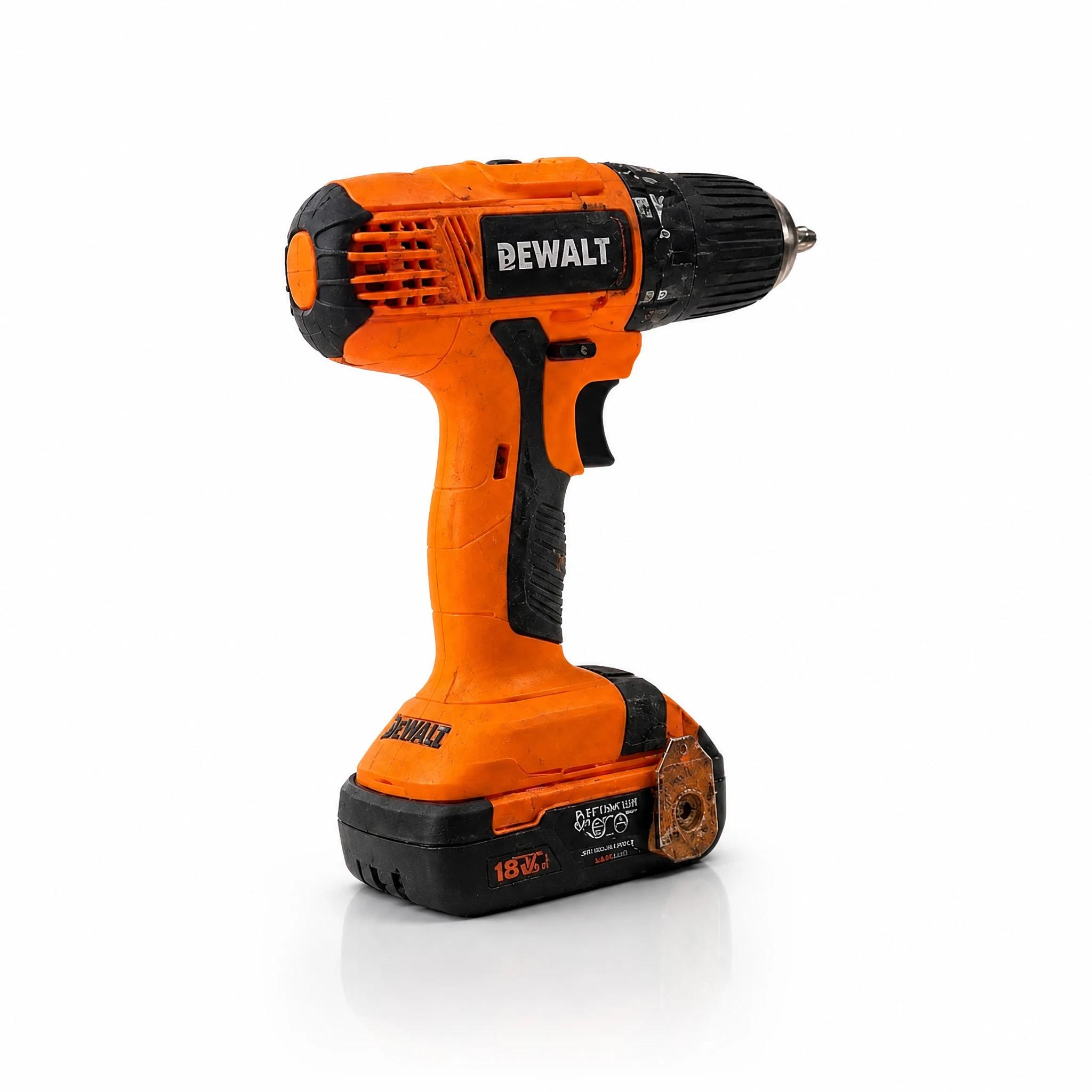
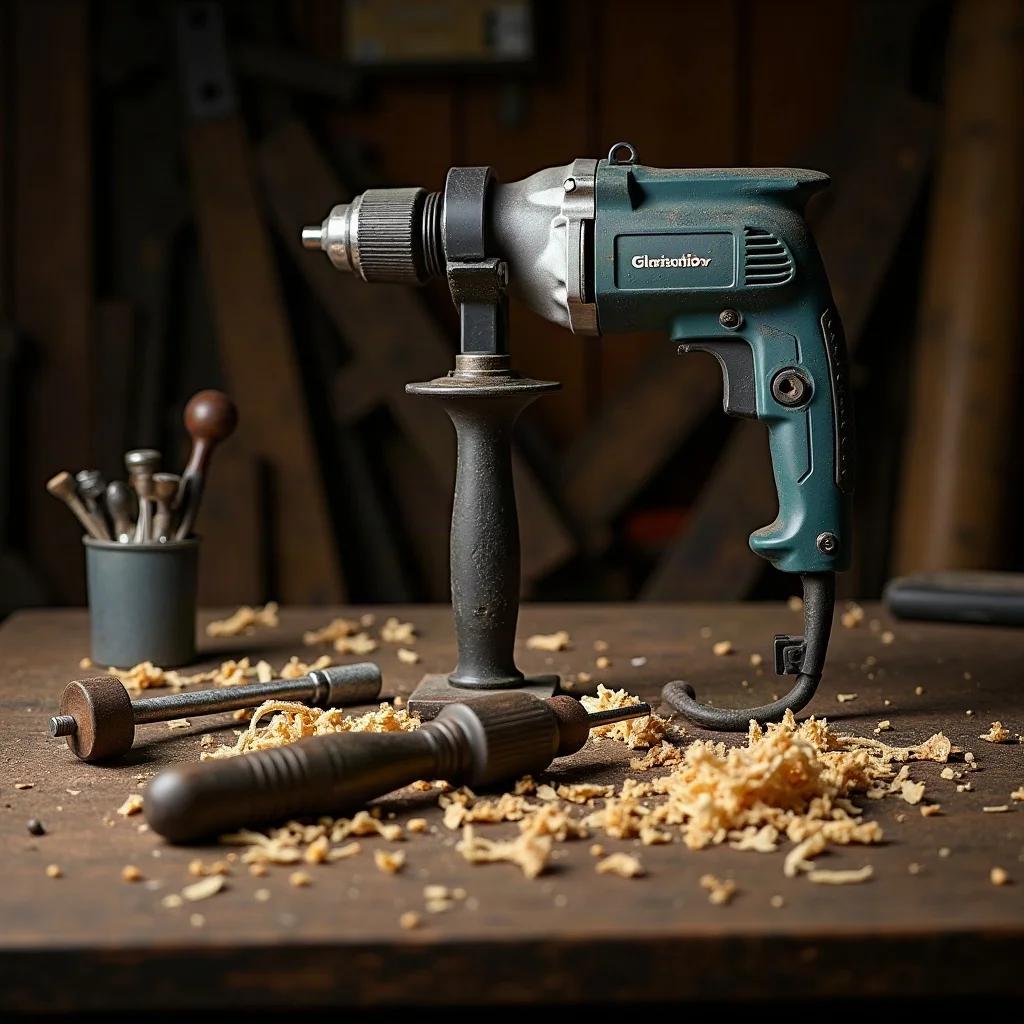
With Tasarla AI you can prepare content for different sales channels from your own product photo. Pick a plain backdrop for a marketplace main image, a scene showing the product in use for social media, or a moving video for promotion. Compare examples from beauty, apparel, jewellery, food and other sectors in the showcase above and start with the template that fits your product.
Specifications and Output Formats
| Supported Categories | 13 Sectors (Cosmetics, Fashion, Jewellery, Accessories, Food, Home, Electronics, Sports, Supplements, Baby, Books, Pets, Hardware) |
|---|---|
| Image Formats & Ratios | JPG / PNG / WebP · 1:1 Square, 3:4 and 4:3 Marketplace Ratios |
| Video Format | MP4 (9:16 Vertical · 24fps · 480p / 720p / 1080p · Watermark-free) |
| 3D & AR Export | PBR Textured GLB (linked with 3D Model Studio) |
| Marketplace Tools | Marketplace Listing Compliance Checker |
Sample E-Commerce Product Video
How do I prepare a product photo?
- Photograph your product sharp, well lit and fully in frame. Make sure the label and packaging text are readable.
- Pick the photo or video template you want from the showcase and upload your own product image. Check the star amount on screen before you start generating.
- Download the result and compare it with your product's colour, shape and labels. Check your sales channel's current image requirements before publishing.
Can I use it for Trendyol and Hepsiburada?
You can use the templates and the Compliance Check tool to prepare marketplace images. Image requirements vary by category and platform; an AI result is no guarantee of automatic approval. Fix any result that changes your product's real features before using it as a listing image.
To only clean up the background, switch to the background remover; to enlarge a small image, use the photo enhancer. You can review the stars each generation costs and the subscription options on the pricing page.
For a detailed cost and turnaround comparison between traditional photo studios and AI: Agency & Studio Shoot vs AI? (2026 Cost Analysis) →